How to Get Daily Real Estate News as an Investor — Rates, Policy and Your Market in One Email
Published July 3, 2026
The rate decision comes up over lunch, and everyone has an opinion. You realise you don't know the actual number — or what it does to the refinance you've been putting off.
Good news — you're in the right place! The number, its source and what changed in your markets can be waiting in your inbox each morning. Setup takes about two minutes; the first edition is free.
In this guide, I'll show you how to get daily real estate news with MorningMail — a tool I built where an AI agent researches fresh sources each morning and writes the brief itself: rate moves, housing policy, your markets' data.
So, let's dive in — it's really easy! 😊
What you'll build
Real estate is the most local asset class there is — which is exactly why broadcast newsletters fail investors. A national digest can't know you hold small multifamily in two Midwest cities and are watching a third. Your prompt can: name your markets, strategy and financing once, and every morning's research runs through them.
It also beats keyword alerts where it counts: judgement. An alert on "housing market" delivers listicles, doom headlines and duplicate wire copy. MorningMail's agent searches current sources each morning, decides what's genuinely new — a rate print, a passed ordinance, a fresh index release — and writes the email itself, primary sources linked.
And the prompt evolves with your position. Hunting? Tilt it toward financing costs. Closed? Landlord regulation. Selling? Price indices. Same template, one edited sentence per phase.
See it live: yesterday's edition
So here's a real example. This is yesterday's edition of exactly this newsletter — written by the agent yesterday morning, based on the example prompt from this guide. Not a mockup: I run it myself on MorningMail.
Edition from October 6, 2026
One click creates your own editable copy — change the prompt, the delivery time, everything.
Browse all editions →You could get this general version into your inbox right now — and then fine-tune it to your very specific needs. Here's how to do it:
Step by step: from zero to your first edition
The whole setup takes about two minutes. And every screenshot below comes straight from the real product — nothing is mocked up.
Step 1 Open morningmail.ai
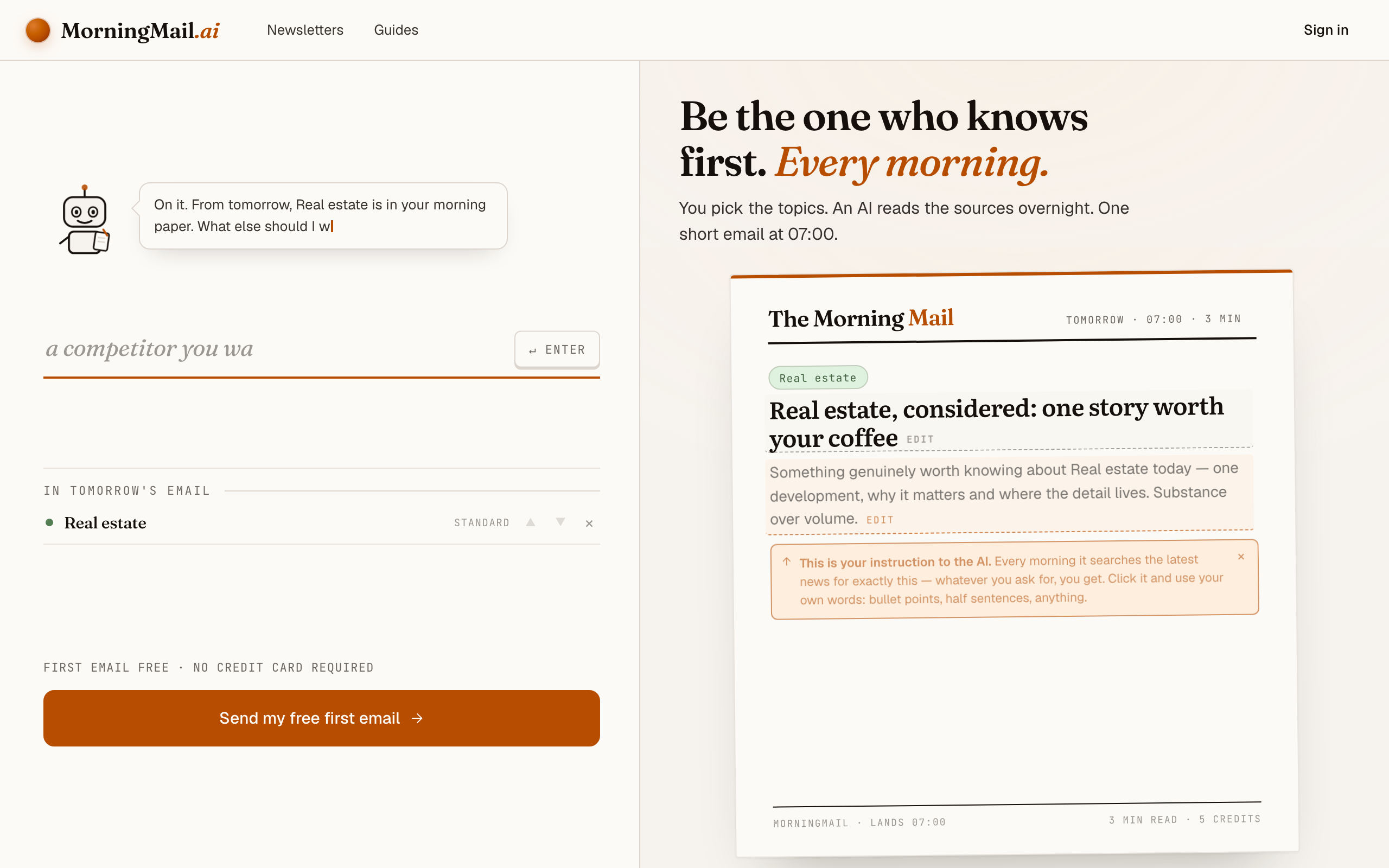
No account yet, nothing to install — the landing page IS where you compose. A friendly press robot introduces itself above one big input, and beside it a sample morning shows you what the email looks like before you have typed a word.
Step 2 Type your topic: Real estate
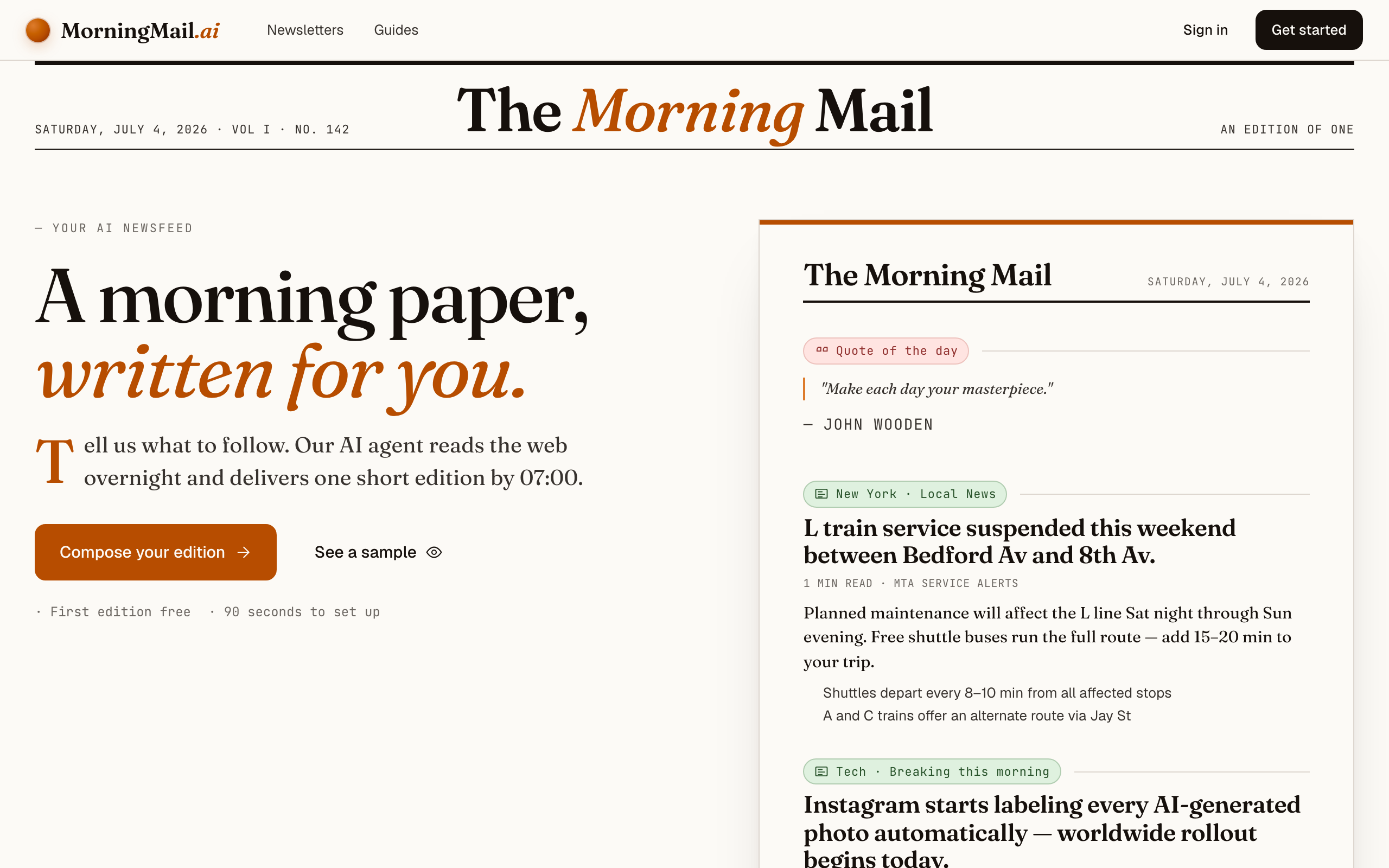
Type Real estate into that one input. There is nothing to pick and no form to fill — as you type, a draft section forms on the paper beside you, carrying your topic in a tinted badge and the quiet prompt "↵ Enter adds it", and the ↵ Enter key at the end of the input turns orange.
Step 3 Press Enter (or that orange key) — and read what the agent was told
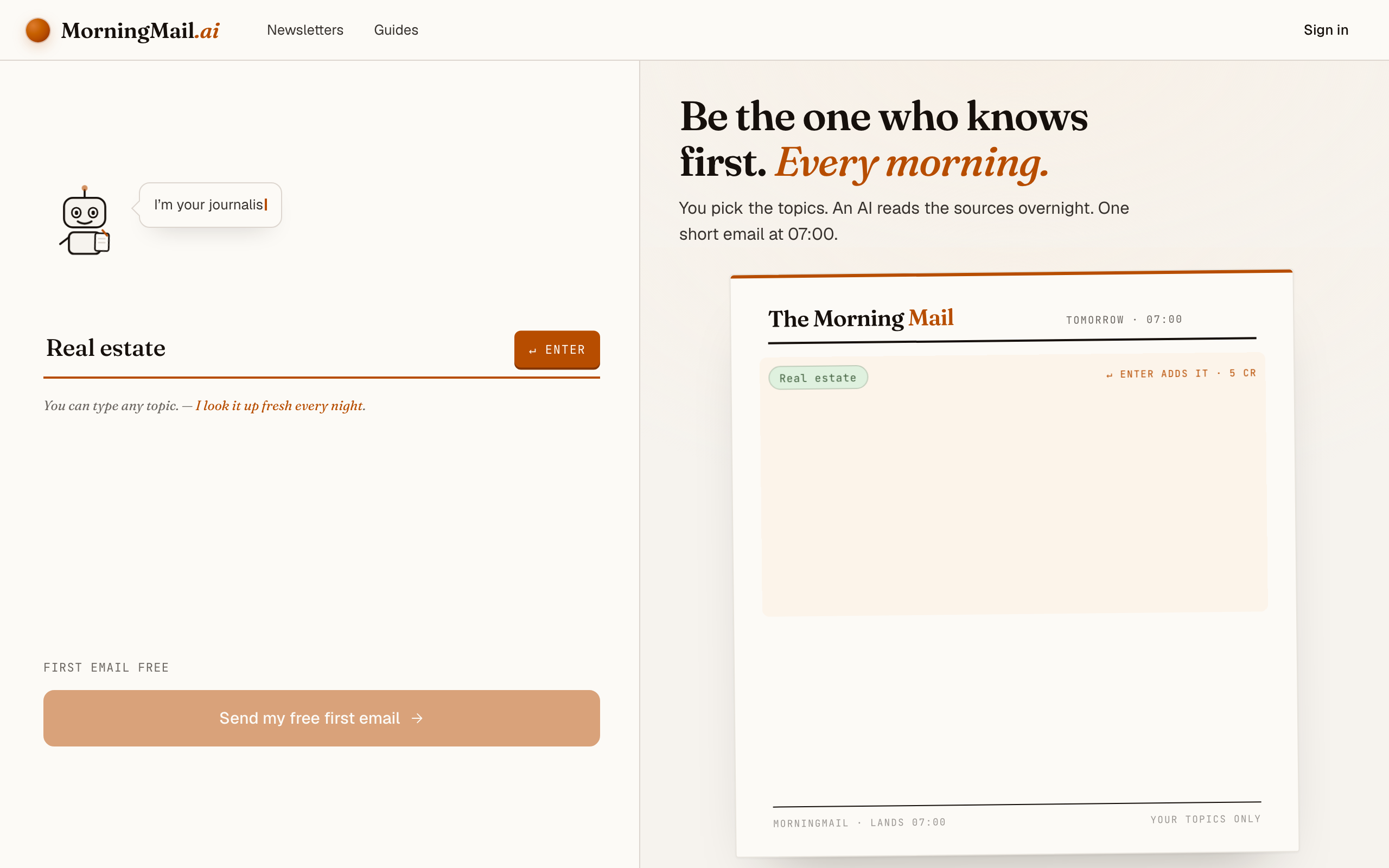
Type Real estate into the one big input on morningmail.ai and press Enter. A section drops onto the paper carrying a suggested headline and an Assignment already written — and what's on screen is precisely the instruction the agent carries out tomorrow morning. You read it before you've handed over an email address.
That written stance — what moved overnight, why it happened and who said it, sourced rather than aggregated — maps surprisingly well onto property investing. Sharpen it with your book: click the Assignment and write "Track mortgage-rate moves, housing-policy changes and supply data for Ohio and Indiana; I hold small multifamily properties — flag anything affecting financing costs or landlord regulation, and always name the source of any price figure." If that's more typing than you fancy before coffee, "+ name sources" under the field handles the last part in one tap.
The exact prompt your section starts withSomething genuinely worth knowing about Real estate today — one development, why it matters and where the detail lives. Substance over volume.
Step 4 Send your free first email
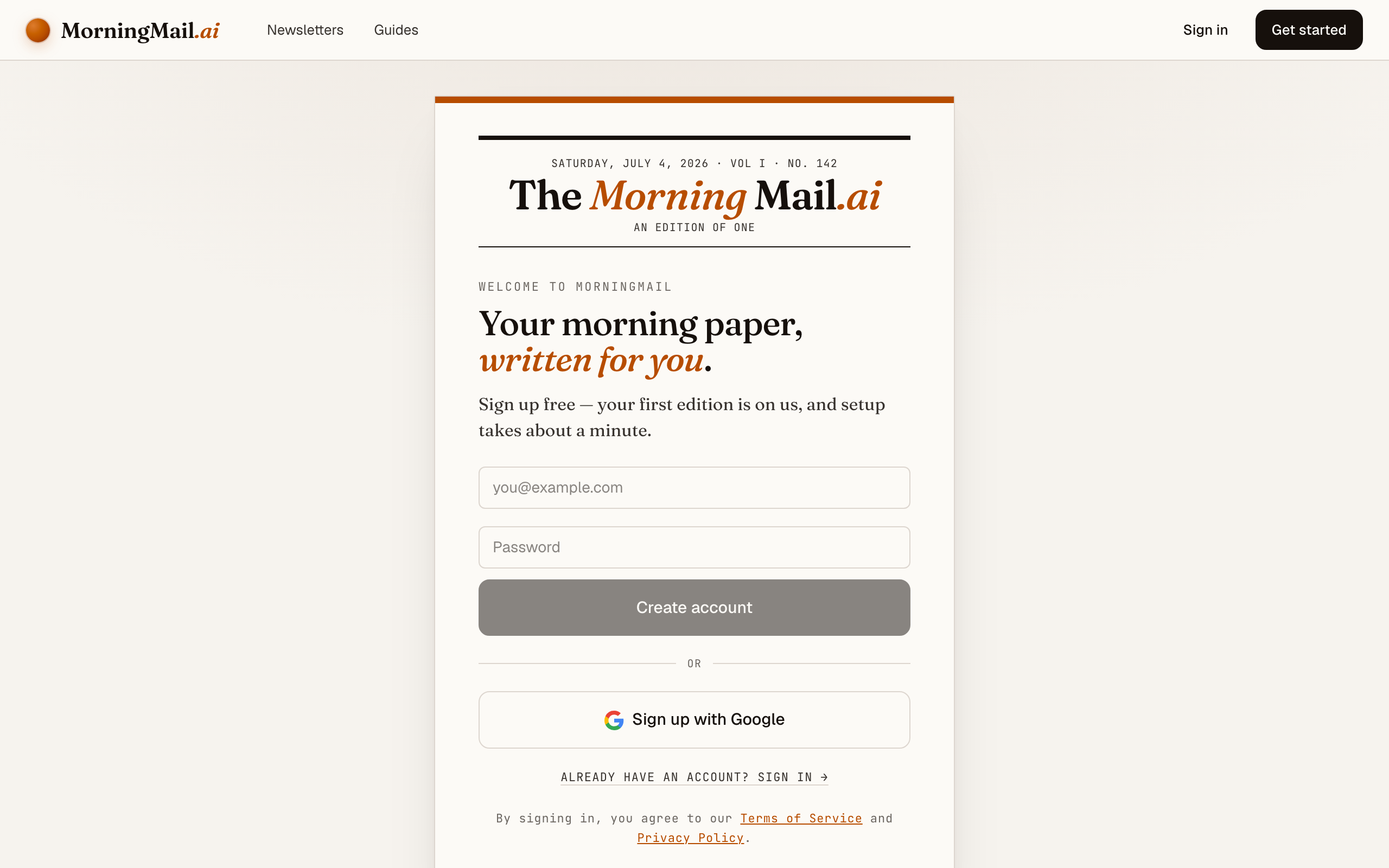
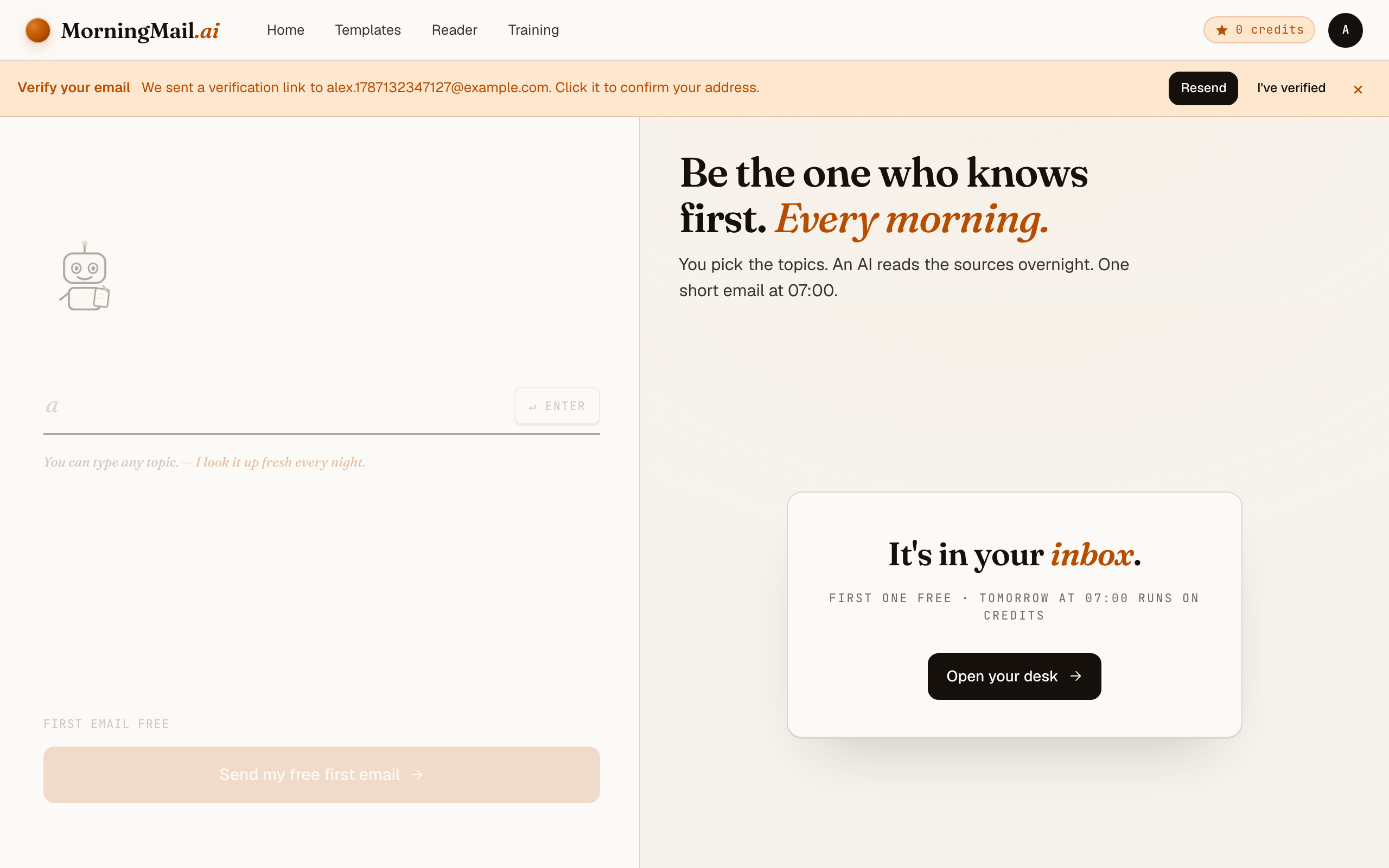
Happy with the paper? Hit “Send my free first email”. The sign-up appears right there — the paper never leaves the screen — and asks the only thing it still needs: where to send it. Email and password, or Google. No card, and the first email is free.
Step 5 Watch it being written
Now the desk goes to work in front of you: working out what to look for, searching the web, reading the best sources, writing your section, composing a subject line, handing it to the post. A minute or two later: "It's in your inbox."
Step 6 Afterwards: the time, the days, the readers
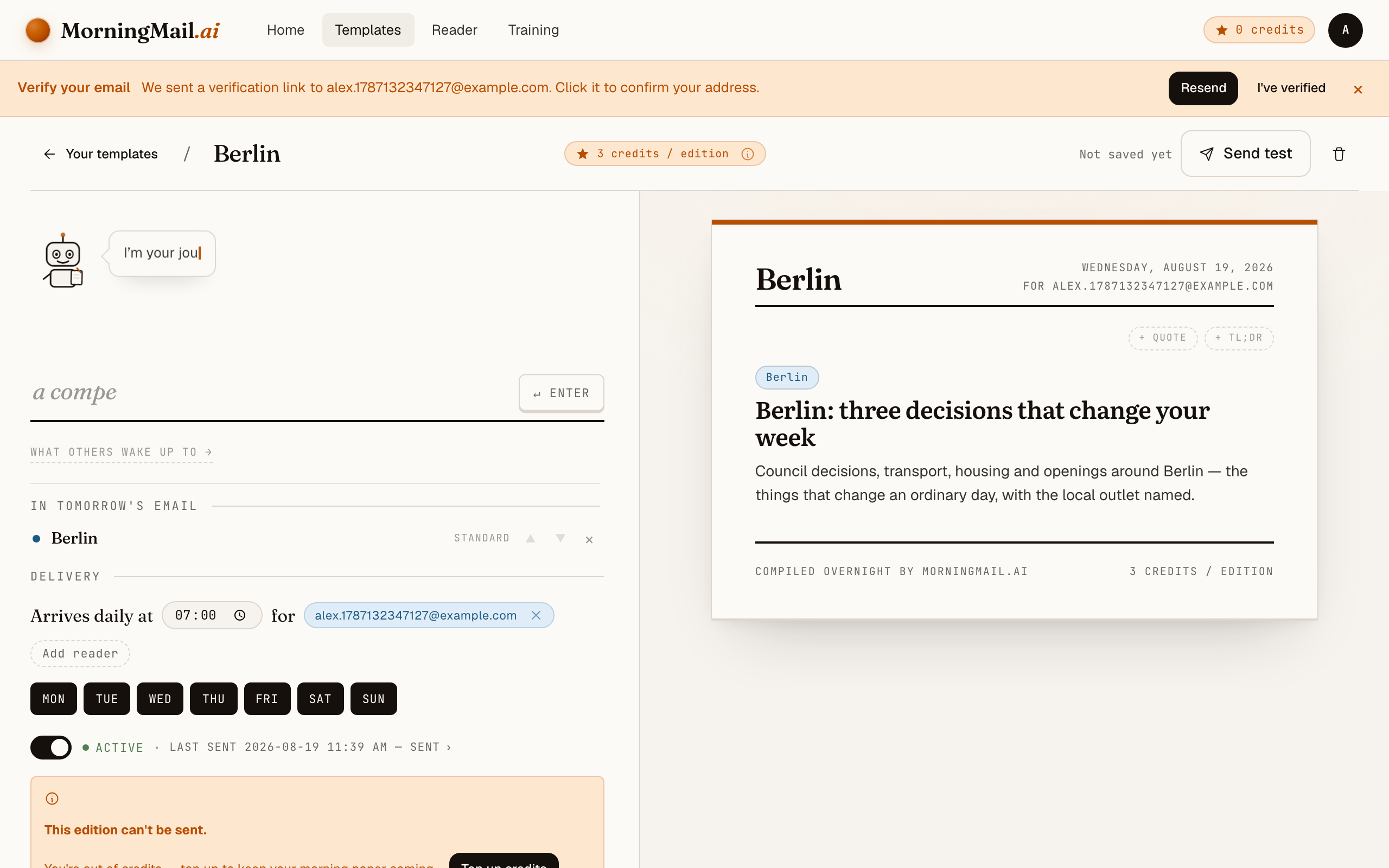
Everything else lives in the builder, once you have a paper to tune. Set the delivery time (07:00 by default) and which weekdays it runs, add readers — up to 100 — and add more topics the same way you added the first: by typing. Nothing here needs deciding on day one.
Get more out of your brief
- Name your markets down to the city
- "Real estate news" produces national averages; "Columbus and Indianapolis multifamily" produces intelligence. The agent researches whatever you specify each morning — geographic precision is the biggest quality lever you control.
- Ask for numbers with dates and sources
- Have every rate and price come with its as-of date and origin. "Rates rose" is mood; "30-year average at 6.4% per this week's lender survey, up 15 basis points" is something you can run a refinance calculation on.
- Track policy at every level of government
- Housing is set federally (rates, tax treatment), at state level (landlord-tenant law) and municipally (zoning, permits). Have the brief cover all three for your markets — the municipal layer is where investors get blindsided, and where coverage is thinnest.
- Pair a lean rate check with one deep section
- Depth is set per section — Skim (1 min), Standard, or Deep dive (5 min). Keep the rate check on Skim and let a second section go deep on the week's index releases. Delivery time and weekdays belong to the template as a whole and you set them in the builder afterwards — mine lands before the first coffee.
- Loop in your co-investor or partner
- Templates support multiple recipients, so a spouse, partner or co-investor reads the identical brief — "did you see that rate move?" becomes a decision instead of a debate. Strong sections can also go to the community gallery for other investors.
Good sources to anchor your brief on
The agent searches the open web every morning and cites where it read things. These are the sources I'd point it at in your prompt:
- Freddie Mac Primary Mortgage Market Survey — The weekly benchmark for US mortgage rates, quoted by virtually every outlet — going to the survey itself gets you the number without the narrative.
- Federal Reserve — FOMC statements — The upstream source of every financing-cost story. Statement days and minutes releases are the moments your brief should never miss.
- NAR Research & Statistics — Existing-home sales, inventory and affordability data from the National Association of Realtors — the standard reference for transaction-side trends.
- Zillow Research — Granular, frequently updated data on prices, rents and inventory down to metro level — the practical complement to slower official statistics.
- HousingWire — Daily trade coverage of mortgage markets, housing policy and proptech — fast on rate-relevant news and clear about what's driving a move.
- S&P CoreLogic Case-Shiller Index — The long-running home-price index that anchors serious price discussions — monthly releases give your brief a dependable data beat.
Frequently asked questions
- What does a daily real-estate brief cost?
- Your first edition is free — no credit card needed. After that each send is paid in credits: a few per section, depending on the AI model tier, and credits never expire. If you pause during a slow market, your balance simply waits.
- How does this differ from Google Alerts on my city?
- An alert forwards raw links containing your keywords — duplicate wire copy and clickbait included — and leaves the reading to you. The agent reads first: it searches fresh sources each morning, filters for what's new and writes a short email with the figures and primary sources linked. A memo, not a link pile.
- Can it follow a specific local market, not just national news?
- Yes — that's where your own Assignment shines. Name the city or even the district, and the agent researches it each morning alongside the macro picture. I know investors who run exactly this kind of scouting section before entering a market.
- Will it tell me current mortgage rates?
- Ask for them in the Assignment and the agent includes the latest available figures each morning, linked to their source — a rate survey or central-bank release — so you can verify before acting. It reports and cites; the investment decisions stay yours.
- I only review my portfolio weekly. Does daily still make sense?
- You don't have to go daily — weekdays are freely selectable per template, so a single Monday edition works fine. Some investors run a lean daily rate-check section plus a fuller weekly market review in the same template.
Your inbox, your editor
Build your own AI-written brief in two minutes. The first edition is on me — no credit card required.
Build your brief — freeI am always happy to answer questions and I'm open to feedback. Feel free to reach out at any time: marius@morningmail.ai