How to Get Daily HR News as a People Manager — Before Your First One-on-One
Published July 3, 2026
You learn about the new labor ruling from a LinkedIn comment. Not from your employment lawyer, not from an HR newsletter — from a stranger's hot take, three days late.
Good news — you're in the right place! 😊 There's a calmer way to stay ahead — it takes about two minutes to set up, and the first edition is free.
In this guide, I'll show you how to get daily HR news with MorningMail — a tool I built where an AI agent searches current sources every morning and writes the brief itself: legal changes, credible workplace research, pay-trend data.
So, let's get you set up.
What you'll build
HR is brutally jurisdiction- and size-dependent, and generic newsletters can't be. A works-council ruling is huge in Germany and irrelevant in Texas; a pay-transparency law binds a 500-person company and spares a 40-person one. Your prompt bakes country, headcount and industry into every edition — instead of leaving the filtering to you.
This isn't another keyword feed, either. Alerts forward anything that mentions "remote work", including the hundredth opinion column. MorningMail's agent searches the web fresh each morning, weighs what's actually new and credible, and writes you a few tight paragraphs — the actual bill text and the actual study linked, not a summary of a summary.
And your prompt keeps pace with the people cycle. Comp review? Have it watch salary benchmarks. Restructuring? Prioritise employment law. Each shift is one edited sentence — the brief changes the very next morning.
See it live: the latest edition
So here's a real example. This is the edition from October 5, 2026 of exactly this newsletter — written by the agent that morning, based on the example prompt from this guide. Not a mockup: I run it myself on MorningMail.
Edition from October 5, 2026
New York personnel law hits November, healthcare wage audits urgent, state labor boards expand
New York personnel file access
New York employers have 34 days to prepare for a broad personnel records law.
Effective November 8, 2026, the state joins 19 others requiring employers to provide employees copies of their full personnel files within five business days of a written request, at no cost, extending three years beyond separation [Quelle: Employment Law Worldview]. The law defines personnel records expansively—performance reviews, discipline, compensation, job applications—and captures records held by third-party vendors and PEOs. Employers must notify workers within ten days of placing negative information in their file, and workers can dispute or append written statements. Violations carry $500 to $2,500 fines per incident enforced by the New York Attorney General, with anti-retaliation protections baked in.
Audit your records systems and intake procedures now.
Healthcare wage compliance crackdown
Healthcare employers face mounting wage-and-hour exposure from federal enforcement.
The U.S. Department of Labor's Wage and Hour Division logged 2,370 compliance actions across healthcare in fiscal 2025, collecting $53.3 million in back wages and $4.7 million in civil penalties [Quelle: HR Daily Advisor]. Three critical gaps emerge: automatic meal-break deductions that create unpaid overtime liability, off-the-clock work like pre-shift charting, and shift differentials omitted from regular-rate overtime calculations. Healthcare organizations need periodic audits, clear employee reporting channels for missed breaks, supervisor training, and timekeeping systems that capture all compensable work.
Action items should land in Q4 compliance plans.
State worker standards boards advance
State labor initiatives are hardening around tripartite wage-and-benefits boards.
Following yesterday's report on federal gridlock, worker standards boards—bringing together workers, employers, and public representatives—are gaining ground at the state level to set minimum wages, benefits, scheduling, and safety standards within specific industries [Quelle: The Regulatory Review]. These boards sidestep federal preemption because they regulate employment conditions rather than unionization rights under the NLRA. Illinois, Connecticut, and other states are also constitutionalizing worker protections for fair wages and bargaining, using state constitutional amendments where federal law leaves gaps.
Expect more multistate coordination by mid-2027.
California flags AI ambiguity, corporate NLRB challenges loom
California's No Robo Bosses Act gets federal company litigation scrutiny.
Effective July 2027, California requires human sign-off before any termination or discipline via AI [Quelle: SHRM]—but corporate lawsuits challenging the NLRB's administrative structure itself could reshape labor enforcement across all states within two years. Constitutional claims targeting NLRB removal protections and adjudication powers are advancing through federal courts, with implications extending beyond labor law to how all federal agencies operate.
Monitor both California's July rollout and NLRB docket activity closely.
 New York Joins States Requiring Access to Employee Personnel ...6 hours ago ... That's all set to change on November 8, 2026, when New York's new personnel records access law takes effect.[iii] Under the law, New York employers must provide ...employmentlawworldview.com
 HR Topics - News + Resources - SHRM2 hours ago ... Main HR Practice Area Topics · business of HR icon. Business of HR · employee experience icon. Employee Experience · Employment Law. Ethics & Compliance · Future of ...shrm.org
 3 Costly Wage Risks Facing Healthcare Employers - HR Daily Advisor5 hours ago ... Considering continued enforcement activity, health care employers should proactively assess their wage and hour compliance programs.hrdailyadvisor.hci.org
 New Labor Initiatives Under Evolving Policy Considerations23 hours ago ... ... amendments is in areas where state regulation is not ... law: They regulate employment conditions, not organizing and bargaining among covered employees.theregreview.org
One click creates your own editable copy — change the prompt, the delivery time, everything.
Browse all editions →You could get this general version into your inbox right now — and then fine-tune it to your very specific needs. Here's how to do it:
Step by step: from zero to your first edition
The whole setup takes about two minutes. And every screenshot below comes straight from the real product — nothing is mocked up.
Step 1 Open morningmail.ai
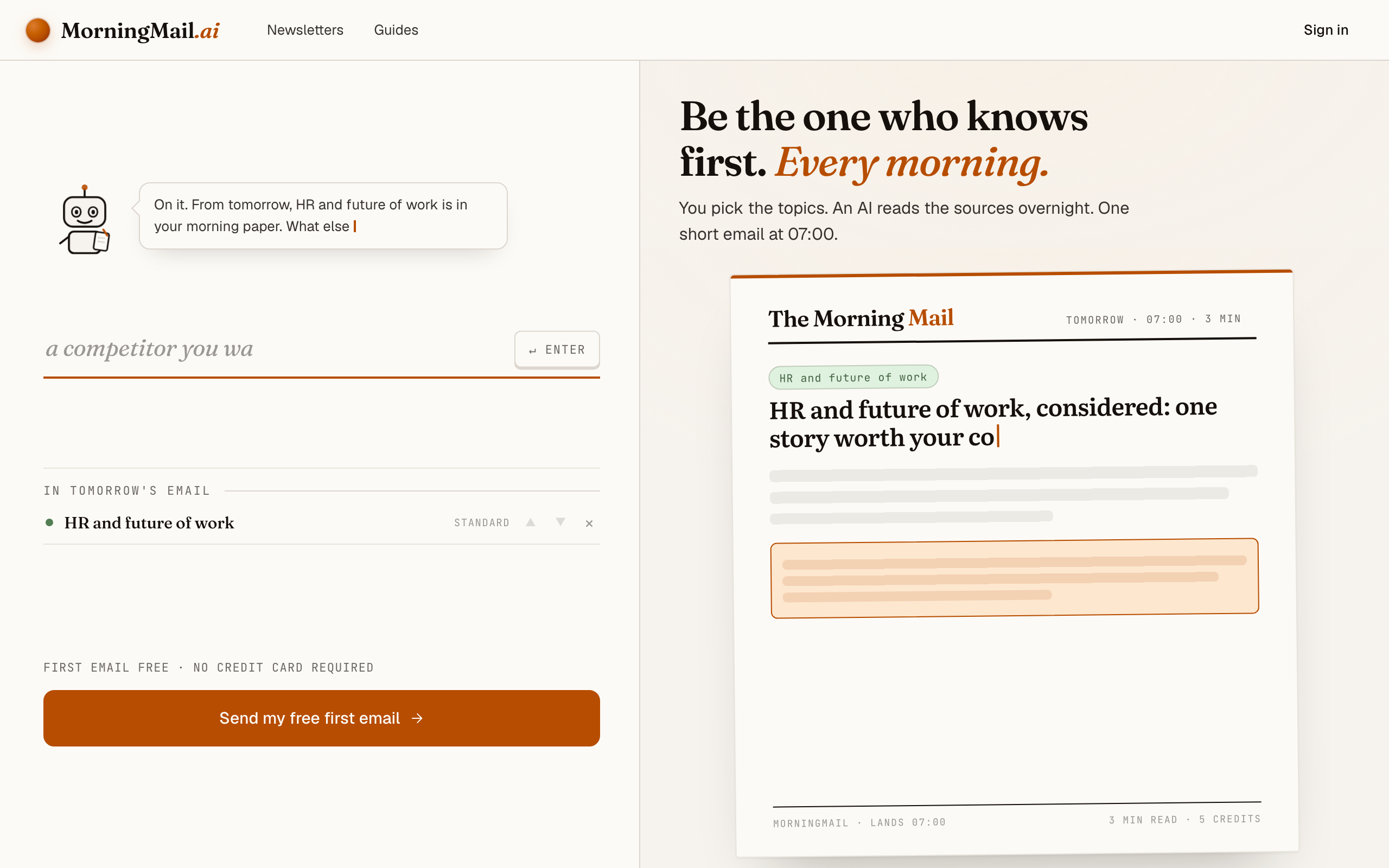
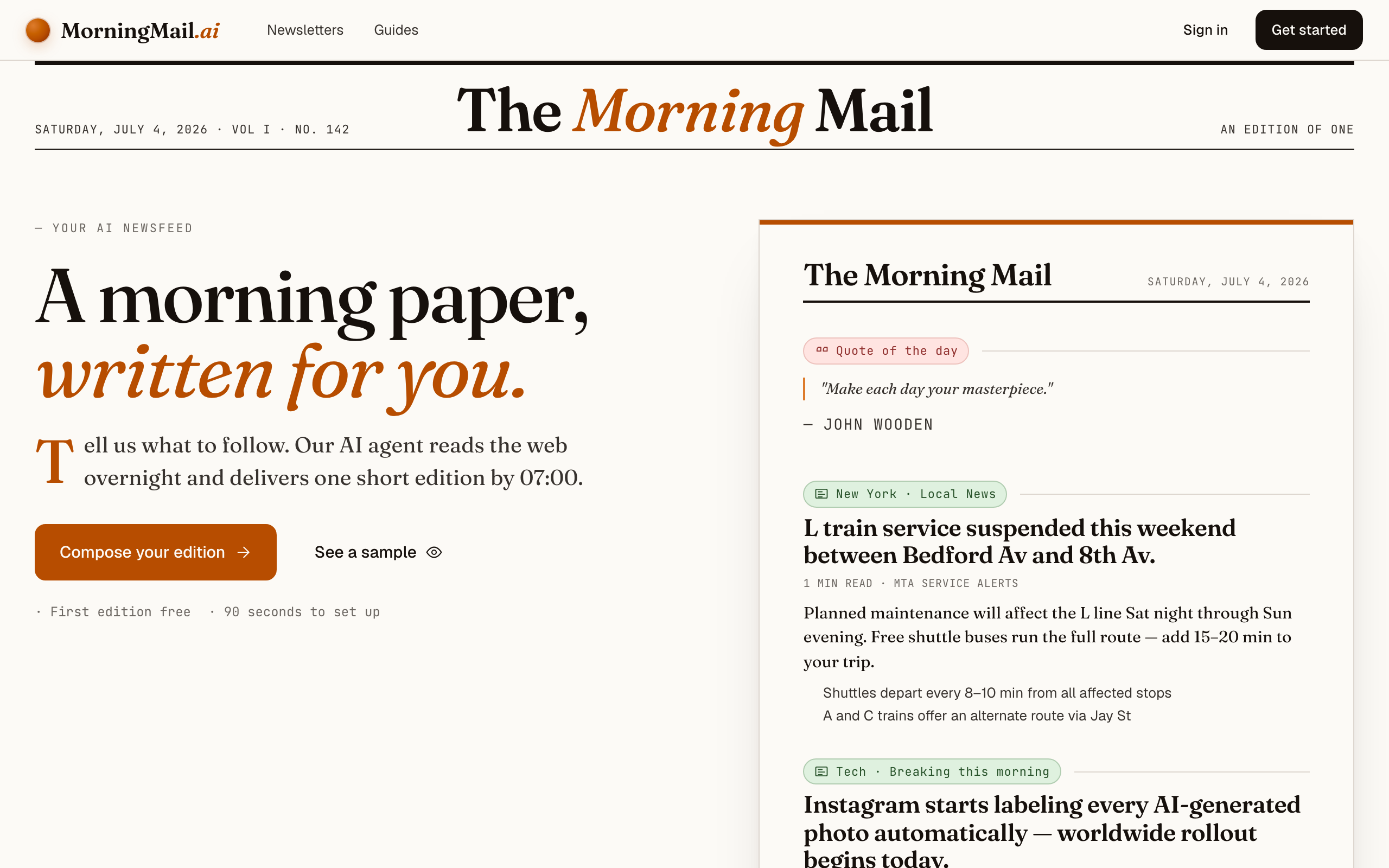
No account yet, nothing to install — the landing page IS where you compose. A friendly press robot introduces itself above one big input, and beside it a sample morning shows you what the email looks like before you have typed a word.
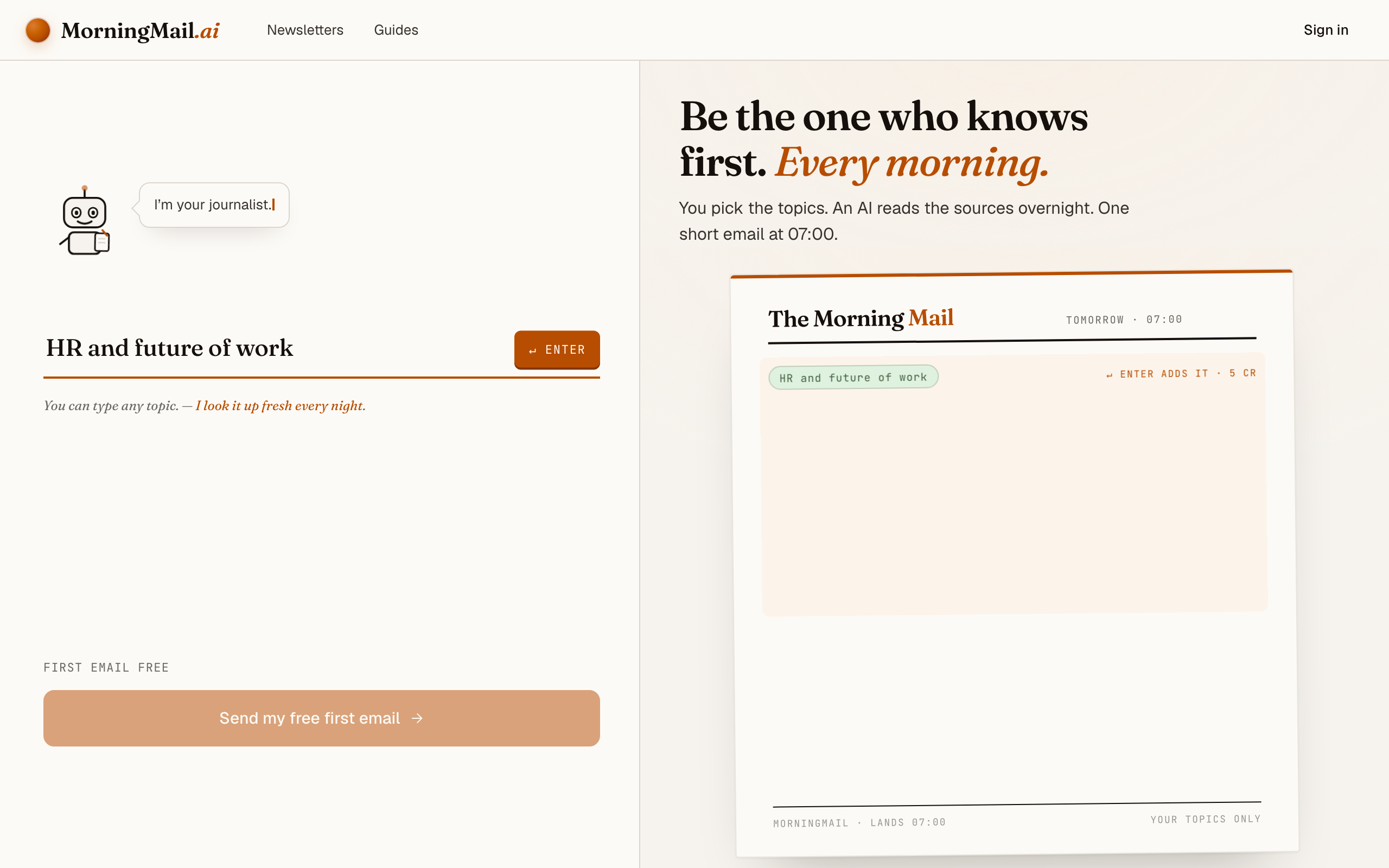
Step 2 Type your topic: HR and future of work
Type HR and future of work into that one input. There is nothing to pick and no form to fill — as you type, a draft section forms on the paper beside you, carrying your topic in a tinted badge and the quiet prompt "↵ Enter adds it", and the ↵ Enter key at the end of the input turns orange.
Step 3 Press Enter (or that orange key) — and read what the agent was told
Type HR and future of work into the one big input on morningmail.ai and press Enter. The section lands on the paper with a suggested headline and a written Assignment attached — the instruction your agent runs each morning is never a black box, and you're reading it before you've signed up for anything.
That default asks for what actually moved in your field, written for a practitioner, every claim traced back to its source. One sentence of context makes it yours: click the Assignment and write "Prioritise labor-law changes and credible remote-work research relevant to a 60-person software company with staff in the US and Germany; include one compensation data point when material." The one-tap tweaks under the field — "+ name sources", "+ go deeper" — append themselves to whatever you've already written, so sharpening never costs you the text you have.
The exact prompt your section starts withSomething genuinely worth knowing about HR and future of work today — one development, why it matters and where the detail lives. Substance over volume.
Step 4 Send your free first email
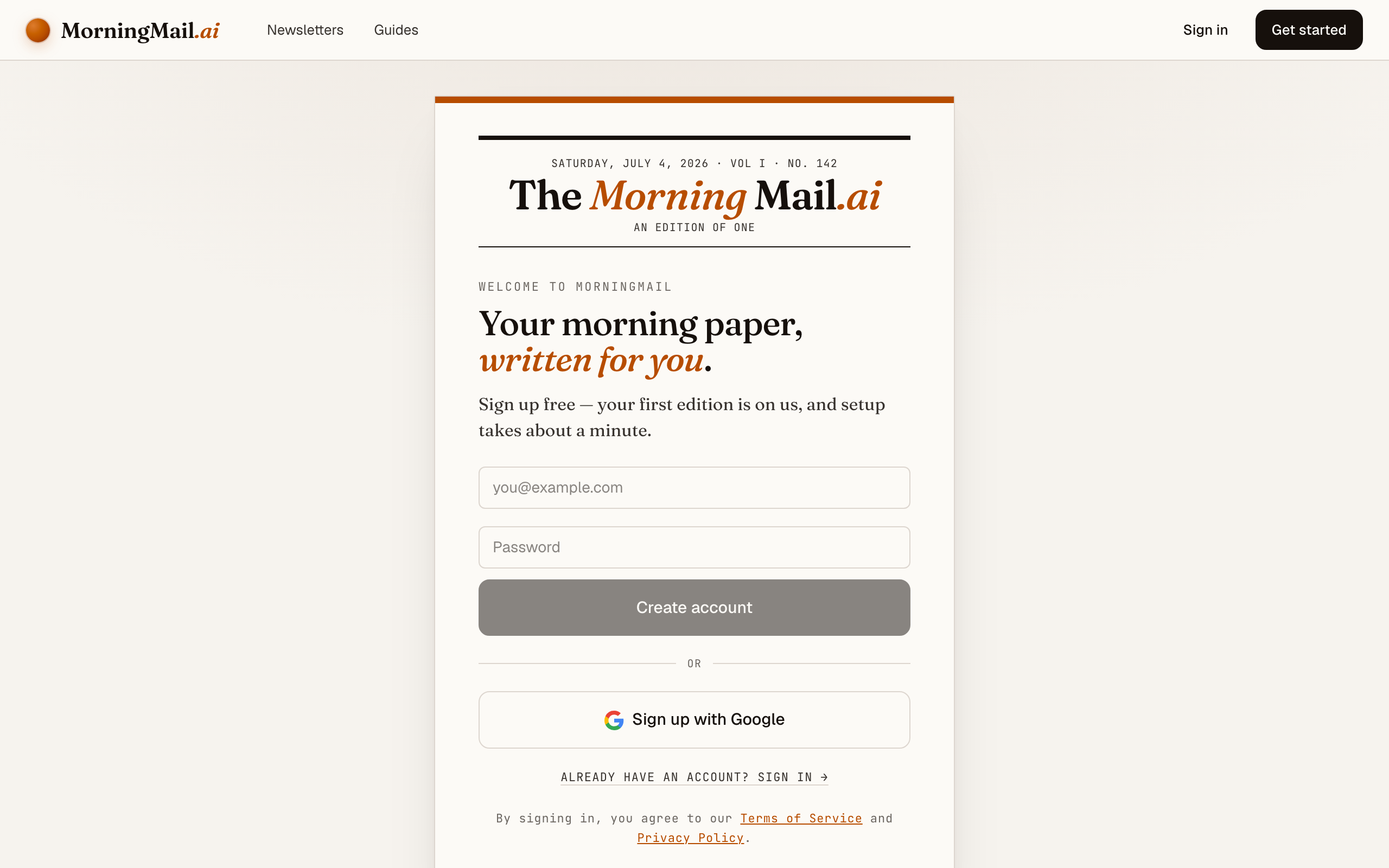
Happy with the paper? Hit “Send my free first email”. The sign-up appears right there — the paper never leaves the screen — and asks the only thing it still needs: where to send it. Email and password, or Google. No card, and the first email is free.
Step 5 Watch it being written
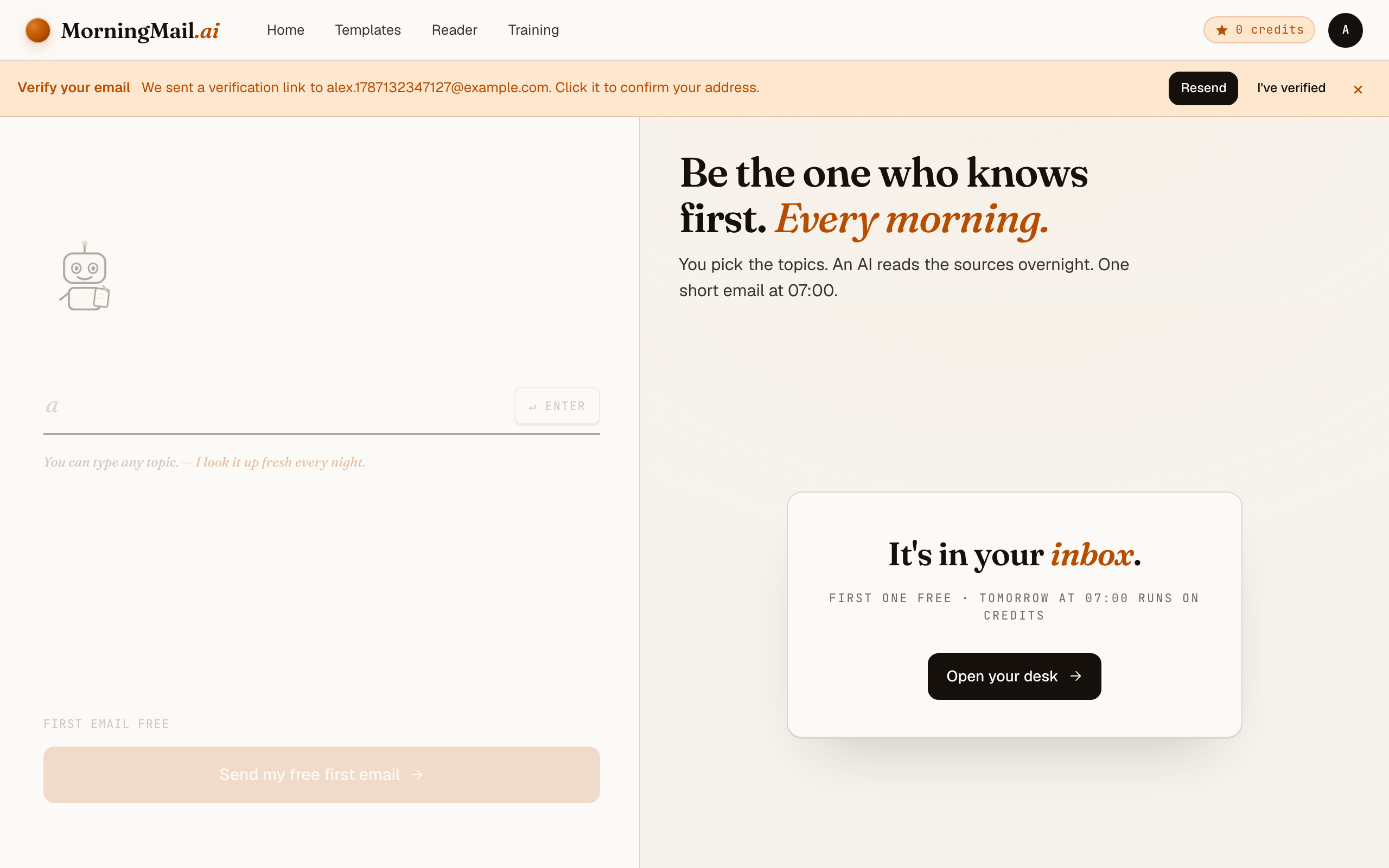
Now the desk goes to work in front of you: working out what to look for, searching the web, reading the best sources, writing your section, composing a subject line, handing it to the post. A minute or two later: "It's in your inbox."
Step 6 Afterwards: the time, the days, the readers
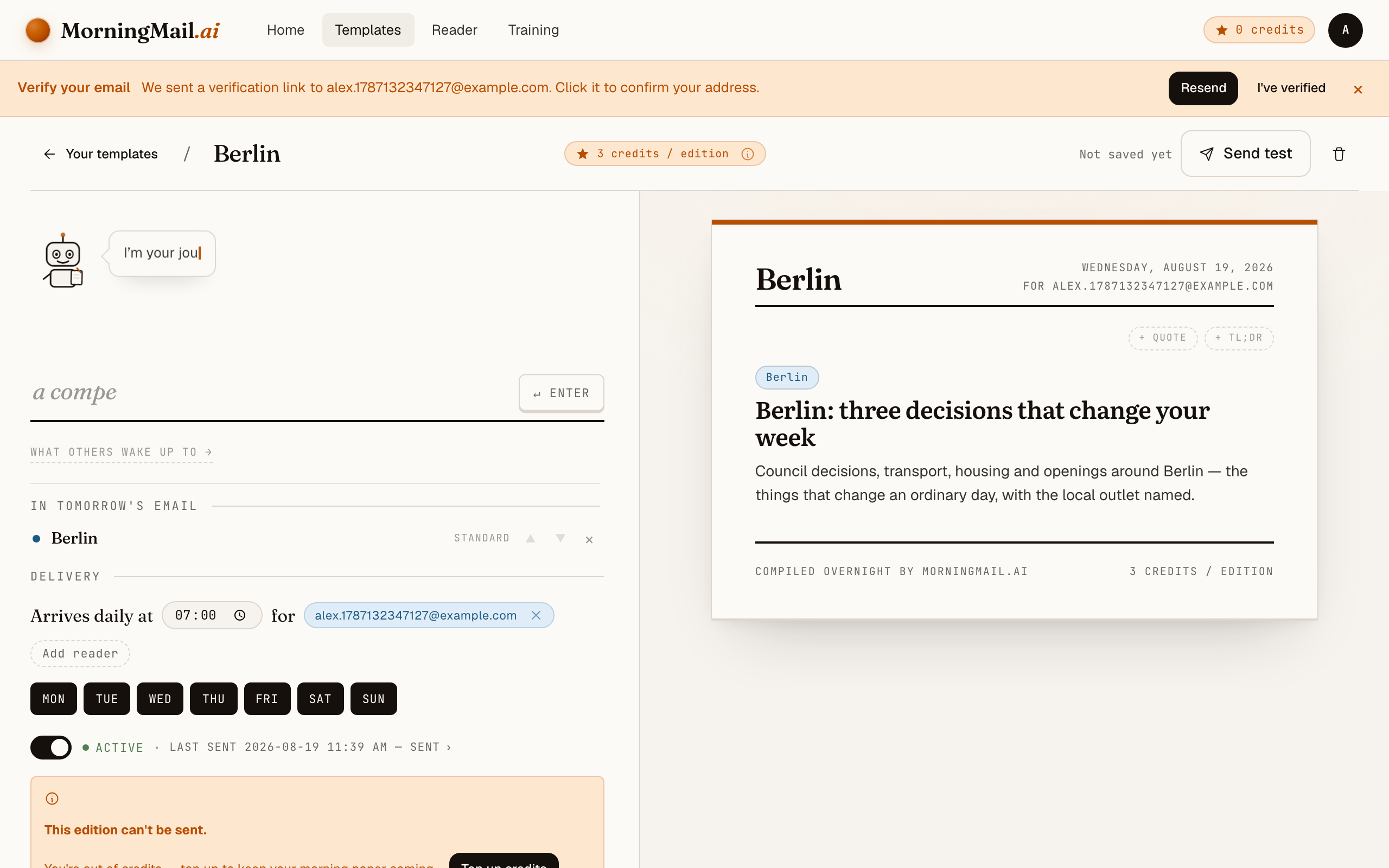
Everything else lives in the builder, once you have a paper to tune. Set the delivery time (07:00 by default) and which weekdays it runs, add readers — up to 100 — and add more topics the same way you added the first: by typing. Nothing here needs deciding on day one.
Get more out of your brief
- Anchor the brief to your jurisdictions
- Employment law doesn't travel. List the countries or states where you actually employ people — "we hire in Germany, the Netherlands and New York" — and the agent stops burying you in rules you'll never have to comply with.
- Ask for the effective date, every time
- Have the agent state when a legal change takes effect and who it covers. "New pay-transparency rules" is a headline; "applies to employers with more than 100 employees from January 1" is a to-do you can schedule.
- Insist on studies over takes
- Future-of-work discourse is nine parts opinion. Add "prefer peer-reviewed research and large-sample surveys; name the sample size" to the Assignment — suddenly the hybrid-work debate arrives with evidence attached.
- Give the leadership team its own copy
- Templates support multiple recipients, so the same morning email reaches you and your leadership peers. A shared factual baseline shortens the buy-in conversation when a legal change demands action.
- Put a TLDR on top for one-on-one days
- Your template can hold more than one news section — and a TLDR at the top compresses the whole email into three bullets, which is all you'll manage on a day stacked with one-on-ones. Depth is per section too: Skim, Standard or Deep dive, so the brief stays under two minutes of reading.
Good sources to anchor your brief on
The agent searches the open web every morning and cites where it read things. These are the sources I'd point it at in your prompt:
- SHRM — The largest HR professional body — its news desk and compliance resources are the standard first stop for US employment-law changes and workplace-policy shifts.
- HR Dive — Daily trade journalism on people management — court decisions, agency rules and employer moves, reported quickly and with sources.
- Josh Bersin's research and blog — The most-followed independent analyst on HR technology and workforce trends — useful for separating durable shifts from vendor-driven hype cycles.
- European Commission — Employment, Social Affairs & Inclusion — The primary source for EU directives on working conditions, pay transparency and platform work — the upstream origin of much national legislation.
- Harvard Business Review — Managing people — Evidence-based writing on management practice — when a people question escalates to your executive team, this is the shared vocabulary the discussion uses.
- WTW and Mercer compensation studies — The benchmark surveys behind most salary-band decisions. Their release announcements move counteroffers months before they show up in your applicant pool.
Frequently asked questions
- What will this cost me?
- The first edition is free, no credit card. After that each send costs credits — a few per section, depending on the AI model tier you choose — and credits never expire. A quiet hiring-freeze month wastes nothing.
- Isn't Google Alerts enough for tracking HR topics?
- Alerts hand you every page matching your keywords, unranked and unread — vendor blogs next to actual statutes. The brief flips that: the agent researches each morning, filters for what's new and credible, and writes a summary with primary sources linked. You read conclusions, not search results.
- Can the brief track labor law for multiple countries?
- Yes — name the countries in the Assignment and the agent covers them together each morning. Managers with distributed teams often list two or three jurisdictions and ask for effective dates on every legal item.
- We're a small company. Is most HR news even relevant to us?
- That's precisely what the Assignment solves: state your headcount and the agent skips rules that only bind large employers. One sentence — "we're 45 people, ignore obligations that start at 250+" — removes most of the noise.
- Can I get it weekly instead of daily?
- Yes — delivery time and weekdays are configurable per template. A Monday-morning edition covering the week ahead is a popular pattern for people managers whose news load doesn't justify a daily send.
Your inbox, your editor
Build your own AI-written brief in two minutes. The first edition is on me — no credit card required.
Build your brief — freeI am always happy to answer questions and I'm open to feedback. Feel free to reach out at any time: marius@morningmail.ai