Agentic Coding
Top tech stories today across software, hardware, AI, and product launches. Senior engineer audience — skip rumour churn and pre-announcement leaks. Lead with shipping-now stories and what changed for builders.
← See today's latestSkill descriptions are the real trigger, system prompts hit 196 versions, hybrid workflows win
Skill trigger patterns
Your skill probably isn't broken—it's just never triggering.
The fix lives in the description field, not the instructions. A new practical guide confirms you should spend 80% of your effort writing literal phrases you'd actually type: "set up the project here" beats "project initialization helper" every time [Source: CodeMeetAI]. The minimum viable skill runs about 30 lines—just name, description, and instructions. References feed context without copying; templates scaffold with placeholders. One production example cut context spend by 91% using five distinct modes sharing the same structure.
Write your trigger phrases first, then build backwards.
System prompt tracking
Claude Code's internal playbook now spans 196 tracked versions.
A freshly updated repository documents every conditional prompt string—over 110 of them—plus separate prompts for subagents like Plan and Explore, builtin tools, and AI-powered utilities for compaction and title generation [Source: GitHub]. Updates land within minutes of each Claude Code release. The tweakcc tool lets you patch specific prompt pieces with markdown-based modifications and conflict management. Slash commands like /code-review and /security-review have their own dedicated prompts documented.
Star the repo—you'll see exactly what changes before you notice the behavior shift.
Cursor plus Claude Code
Stop picking one tool—use both.
The emerging pattern treats Claude Code as your terminal-first agent for repo-wide migrations and large refactors, while Cursor handles everyday implementation and localized changes inside the IDE [Source: Teamvoy]. Teams seeing the best results run a 4–8 week pilot measuring lead time and quality before scaling. The guardrails that matter: branch protection, mandatory review for AI-driven changes, and audit logging. Start by mapping your SDLC pain points—the tool choice follows from that.
Heavy lifting goes to Claude Code; polish stays in Cursor.
 How to create a Claude Code skill (and the best practices nobody ...21 hours ago ... ... instructions below, and restart your Claude Code session. The ... AntiGravity: Full guide from install to Custom rules, workflows and MCP integration.codemeetai.substack.com
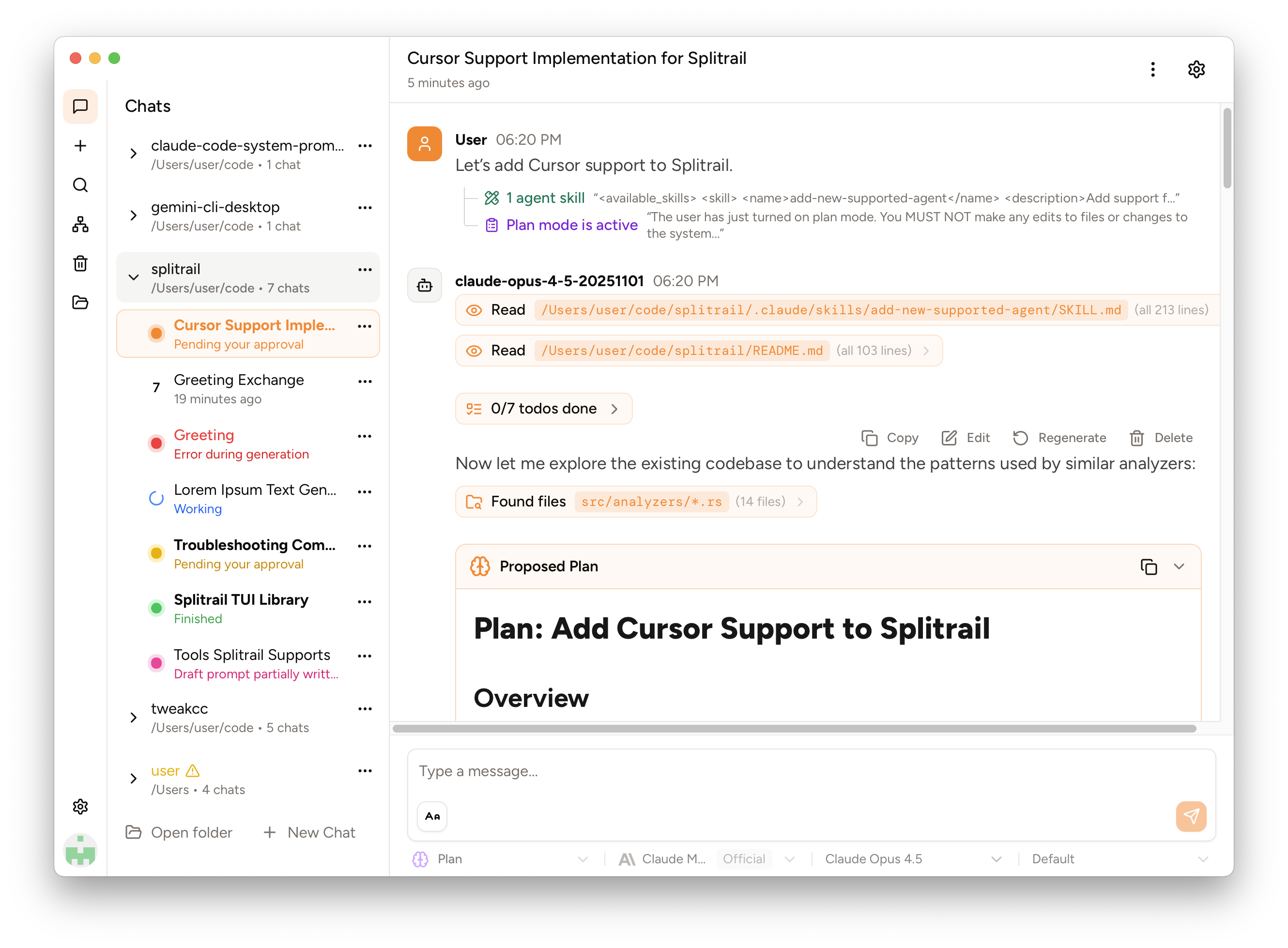 Piebald-AI/claude-code-system-prompts - GitHub4 hours ago ... Agent Prompt: Agent creation architect (1110 tks) - System prompt for creating custom AI agents with detailed specifications. ... Skill: Claude Code configuration ...github.com
 Cursor vs Claude Code: AI for Software Development - Teamvoy14 hours ago ... comparison table showing cursor vs claude code across five dimensions (workflow, sdlc, autonomy ... – Developers continue feature work in Cursor, with AI help at ...teamvoy.com