How to Write the Perfect Newsletter Prompt — With 5 Before-and-After Examples
Published July 4, 2026
Your newsletter is only as good as the sentence you gave it. Type "AI news" and you get a wire feed anyone could get. Type the right paragraph and you get a brief that reads like it was written by someone who knows you.
Good news—the difference is a few words, and I'll show you exactly which ones. In MorningMail, the prompt is just the plain-text description of a news section: the instruction your AI agent reads every morning before it searches the web.
I built MorningMail, and I've read a lot of these prompts. The good ones all do the same handful of things. Below are five before-and-after examples you can copy tonight.
Let's sharpen yours—it's really easy!
First, where the prompt actually lives
Every news section has two fields: a short title and a description. The description is the prompt—the exact instruction the agent follows each morning. You can start from a starter card, which fills in a strong prompt you can edit, or write your own from scratch. Either way, what you type is what the agent reads; there's no hidden layer.
The trick is to stop writing a search query and start writing a brief. Talk to the agent the way you'd brief a sharp new colleague on their first day: who it's for, what to include, what to skip, and what a good source looks like.
1. Say who it's for
The single biggest upgrade is naming your reader. "Marketing news" has to serve everyone; a brief written for one person, at the right level, can skip the explainers and get to what changed.
Marketing news
Marketing news for the founder of a small e-commerce brand. Assume I know the basics—skip explainers and focus on what changes what I do this week.
Now it writes to one person, at the right level.
2. Name what to include—and what to skip
A prompt that only says what you want gets padded with things you don't. Pair every inclusion with an exclusion, and the agent knows where the edge of the beat is.
News about my football club
Everything about my club today: results, injuries, and transfer talk from credible reporters only. Skip fan-account rumours and betting odds.
Inclusion and exclusion in one breath.
3. Set the quality bar for sources
Tell the agent what counts as evidence and it stops forwarding hype. Version numbers, filings, primary sources—name the kind of proof you trust.
AI developer news
Real changes in AI developer tools: releases with version numbers, papers with benchmarks. Prefer primary sources and changelogs; skip hype threads and re-summarised summaries.
You're telling it what counts as a fact.
4. Add your standing context once
One sentence about who you are quietly filters every future edition. Write it once and forget it's there—it does work every single morning.
Fintech news
Fintech news for a product manager at a European payments company. Weight EU regulation, competitor launches, and anything touching the card networks.
Written once, it shapes every edition after.
5. Ask for the "so what", not just the headline
A headline is a feed; an implication is a brief. Ask for one line on why each story matters to you, and the agent does the thinking you'd otherwise do on the train.
Real estate news
Top three stories in real estate today, each with one line on why it matters for a small investor. Cite the source.
That second line is the difference between a feed and a brief.
Read it back before you save
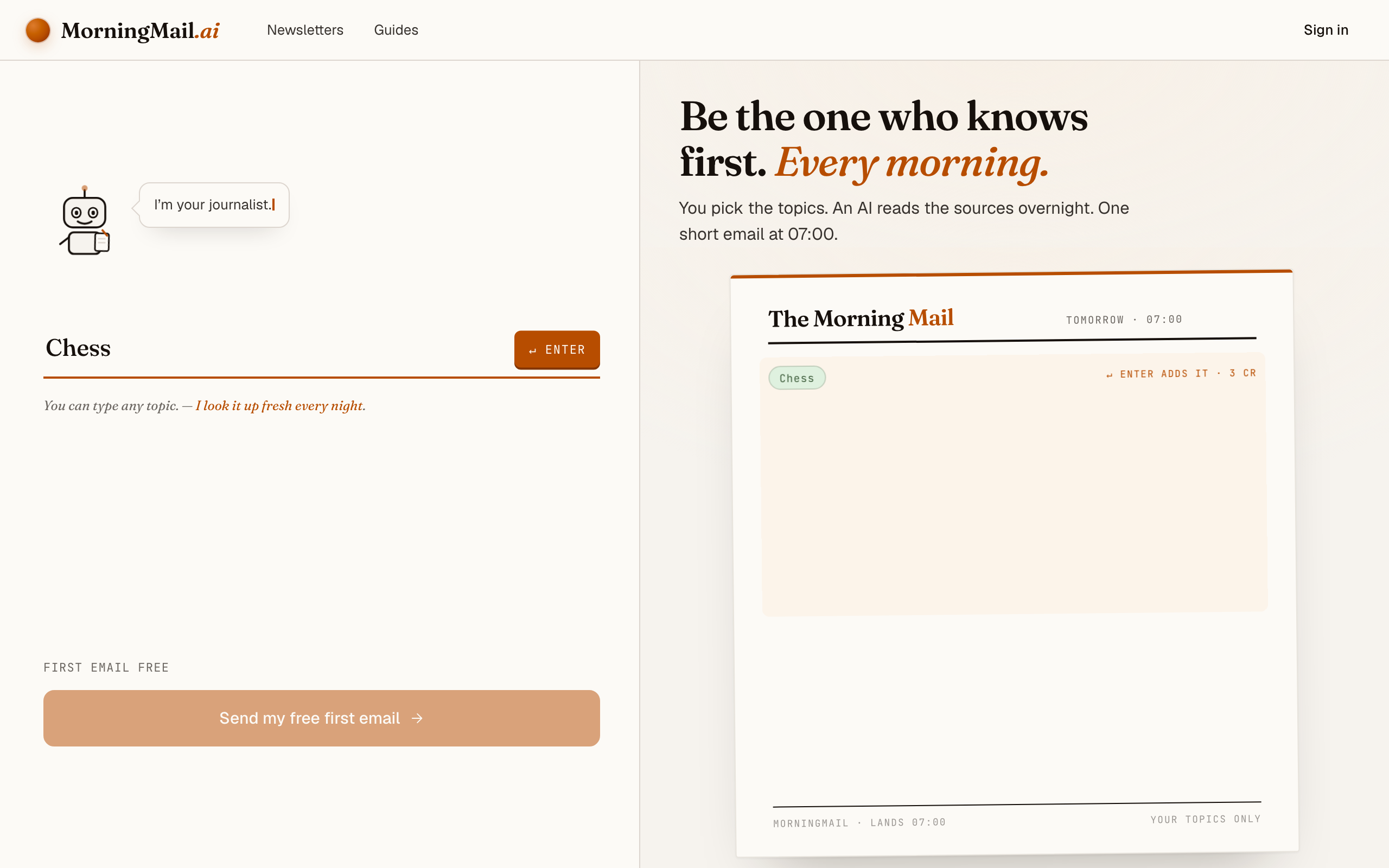
Whatever you write, MorningMail shows you the resolved prompt live as you type—so you're never guessing what the agent will do. Read it back once. If it reads like a clear brief to a smart colleague, it'll read that way to the agent too.
When in doubt, edit one sentence and watch
You don't have to get it perfect up front. Send it, read tomorrow's edition, and if a story lands wrong, add one sentence to correct it. Prompts are plain text you can edit any evening; the next morning's brief already follows the new instruction.
Honestly—that loop beats agonising over the perfect wording. Two or three small edits in the first week and the brief settles into exactly your voice.
Get more out of your brief
- Write in your reading language
- The brief comes back in whatever language you write the prompt in. Write German, get German—even from English sources, which the agent translates for you.
- One instruction per sentence
- If your prompt is getting long, break it up. "Do X. Skip Y. Prefer Z." is easier for the agent to follow than one winding paragraph.
- Name names
- Reporters, outlets, repos, teams, products—concrete nouns beat adjectives. "Credible transfer reporters like Romano" works; "reliable sources" doesn't.
- Match the model tier to the difficulty
- A single-city brief runs fine on the fast, cheap tier. A prompt that asks the agent to weigh regulation against market moves is worth the higher tier. The model is a per-section setting.
Frequently asked questions
- Is the prompt the same as the newsletter's title?
- No. Each section has a short title (what shows in the email heading) and a longer description, which is the prompt. The description is where all the steering happens.
- Can I change the prompt after it's running?
- Anytime. It's plain, editable text—save a new version tonight and tomorrow's edition follows it. Nothing is locked in.
- How long should a prompt be?
- A few sentences is plenty. Long enough to say who it's for, what to include, what to skip, and what a good source looks like—short enough that you can read it back in one breath.
- Do longer prompts cost more?
- No. Price is set by the AI model tier the section runs on and the number of recipients, not by prompt length or output length. Write as much instruction as you need.
Your inbox, your editor
Build your own AI-written brief in two minutes. The first edition is on me — no credit card required.
Build your brief — freeI am always happy to answer questions and I'm open to feedback. Feel free to reach out at any time: marius@morningmail.ai