How to Get a Personalized Morning Briefing by Email
Published July 4, 2026
The famous morning-briefing newsletters are good—but they're the same for everyone. You skim three sections that aren't for you to find the one that is, and you still open four apps afterwards to check what they don't cover.
Good news—you can have a morning briefing that's actually yours: your topics, your sources, your tone, in your inbox before you're properly awake. First edition free, about two minutes to set up.
I built MorningMail so the briefing writes itself. You describe what you want to wake up knowing, and every morning an AI agent searches the web fresh and writes you one email—not a fixed feed, a brief shaped by your prompt.
Here's how to set yours up.
Why a personal briefing beats a famous one
The big morning newsletters are genuinely good—but they're written once, for millions. You read past the parts that aren't for you to reach the one that is.
A personal briefing inverts that. Every section is chosen by you and written for you, so there's nothing to skim past. Same two-minute morning read, none of the filler.
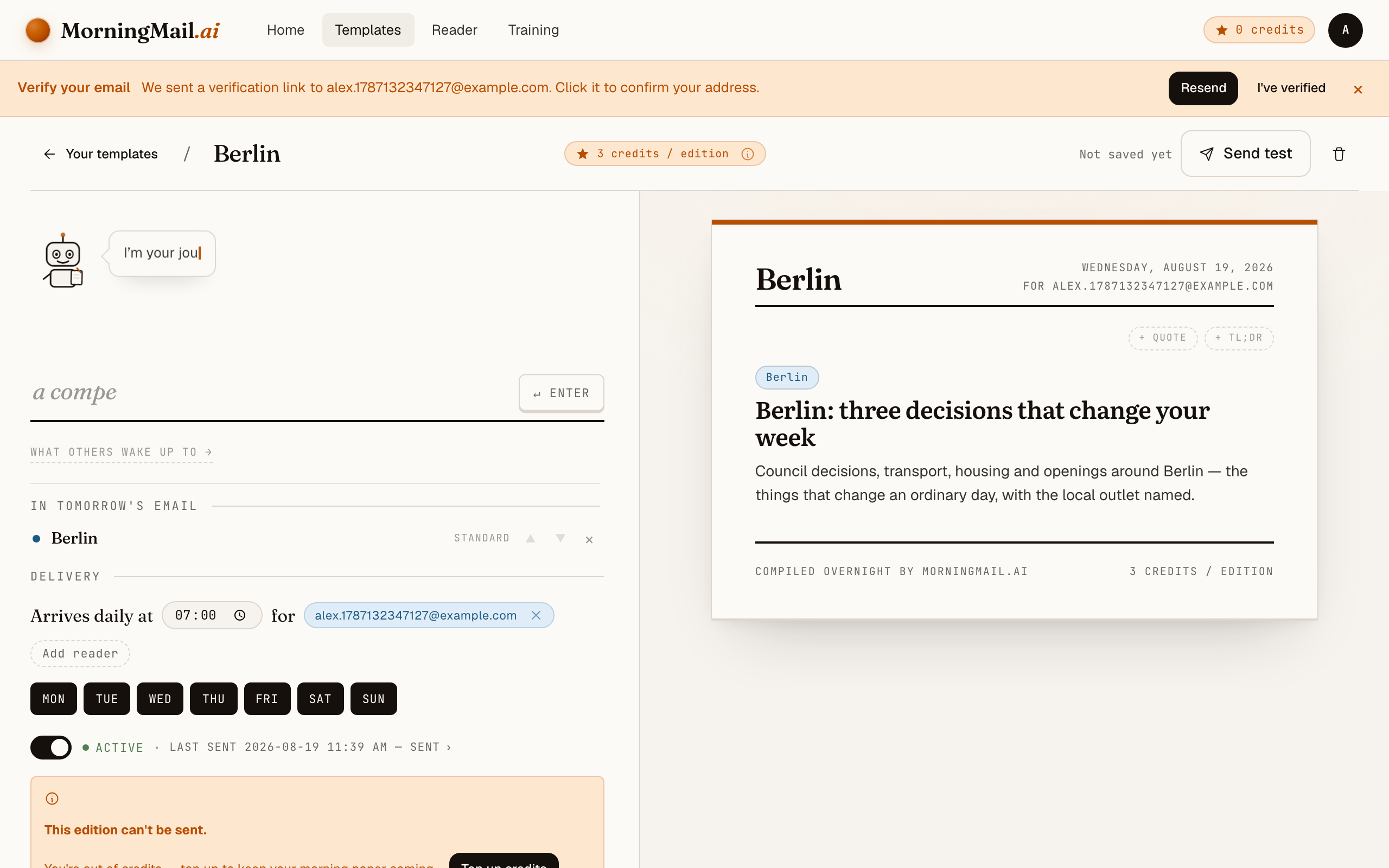
Decide what you want to wake up knowing
Start from the question you already answer with four apps: what do I check my phone for anyway? Your industry. Your city. That one company. Each answer becomes a section.
Keep it to a handful—three sharp topics beat ten vague ones.
Section 1: AI developer tools—real releases with version numbers. Section 2: my city, Hamburg—transport and housing. Section 3: a short, non-cheesy motivational quote.
Stack a few sections into one email
A briefing is a template, and a template holds several modules: news sections on different topics, a TL;DR summary, a daily quote. You arrange them top to bottom.
Each module has its own length and tone, so your lead story can run long while everything under it stays tight.
Set the time and the days
Pick a delivery time and the weekdays you want it. It sends on your own timezone—7:00 means 7:00 where you are, not on a server somewhere.
Weekends off? Toggle Saturday and Sunday and the briefing takes the weekend with you.
Keep it short, or make it a deep read
Every news section has a length—a one-minute scan, a three-minute read, or a five-minute deep dive—and a tone: editorial prose, quick bullets, or a warm conversational voice.
Set the front of the email short and let one section run long, and you get a briefing that respects a busy morning but rewards a slow one.
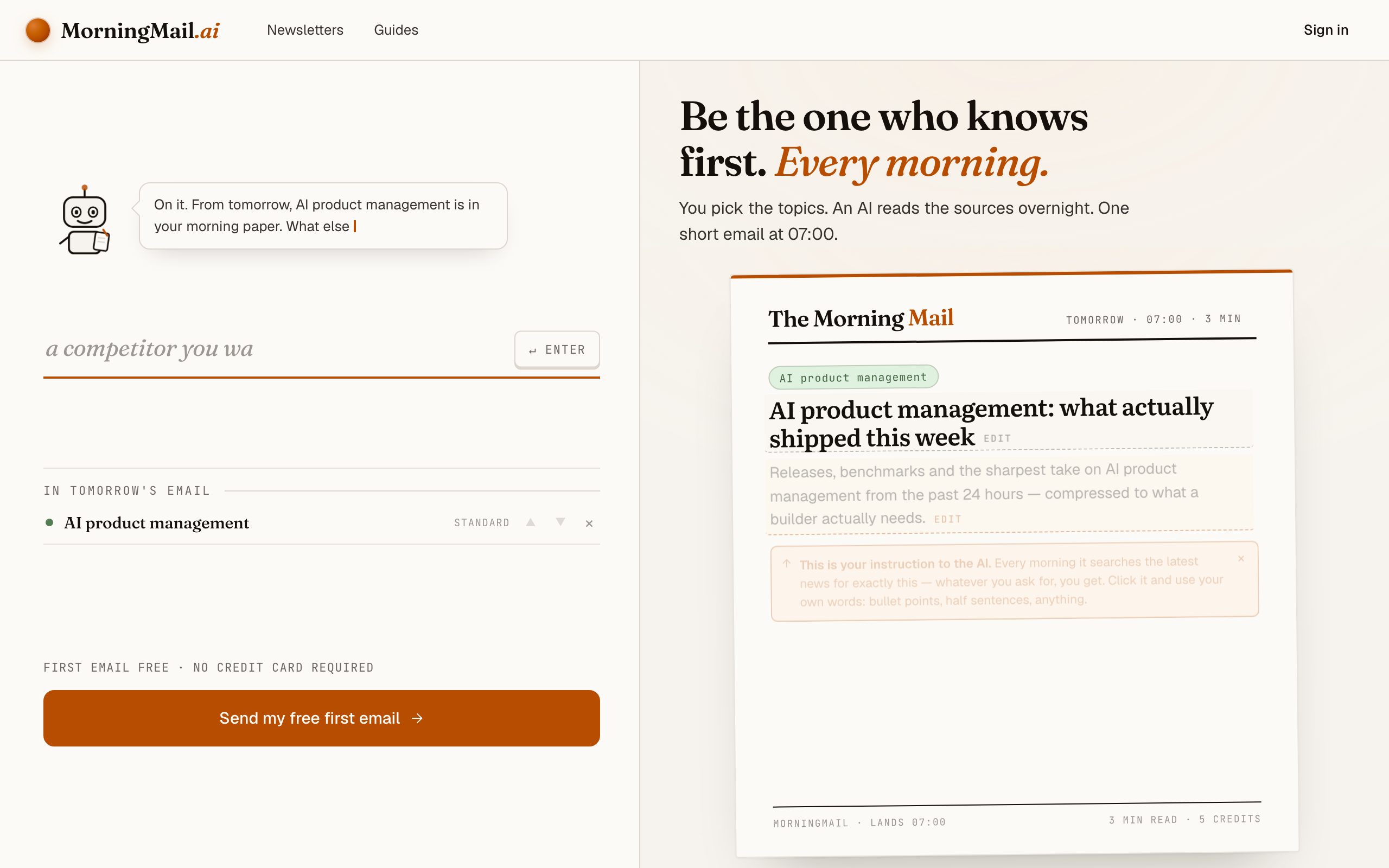
It arrives written, not just collected
This is the part that makes it a briefing and not a feed: the agent doesn't forward links, it writes. It reads the morning's sources and hands you a few clear sentences per topic, each claim linked to where it came from.
And on a quiet day it won't leave you with "no news"—it broadens to the surrounding story rather than sending an empty section. Honestly, that's the difference you feel after a week.
Get more out of your brief
- Put a TL;DR on top
- Add a TL;DR section above the news and set it to three bullets. On busy mornings you read only those; on slow ones you scroll into the detail.
- Deliver on your timezone
- The briefing sends on your local clock, not a server's. 7:00 means 7:00 where you are—set it just before you usually reach for your phone.
- Weekdays only, if weekends are for switching off
- Toggle Saturday and Sunday off and the briefing takes the weekend with you. Two taps, and it's back on Monday.
- One brief, many readers
- Your team, your family, or just you—add up to 100 recipients and everyone wakes up to the same briefing.
Frequently asked questions
- How is this different from The Rundown or Morning Brew?
- Those are one newsletter written for a mass audience. This one is written for you: your topics, your sources, your tone. Honestly, if a fixed briefing already nails your interests, keep it—this is for everyone whose interests don't fit a template.
- What can the briefing cover?
- Anything you can describe: your industry, your city, a company, a hobby, plus a quote or a summary section. You choose the mix, and each section is written fresh every morning.
- When does it arrive?
- At the time and on the days you choose, in your own timezone. Most people set it for just before they usually reach for their phone.
- What does it cost?
- The first edition is free, no card. After that each morning costs a few credits per section, by model tier, plus a credit per extra recipient. Credits never expire.
Your inbox, your editor
Build your own AI-written brief in two minutes. The first edition is on me — no credit card required.
Build your brief — freeI am always happy to answer questions and I'm open to feedback. Feel free to reach out at any time: marius@morningmail.ai