How to Get Climbing News in Your Inbox — Beta With Your Morning Coffee
Published July 3, 2026
You're refreshing the IFSC results page under the desk because the boulder final in Japan ends exactly when your stand-up starts.
Good news—you're in the right place! A daily climbing brief takes about two minutes to set up, and the first edition is free.
In this guide, I'll show you how to get climbing news in your inbox with MorningMail, which I built: an AI agent searches the web fresh every morning and writes you one short email—comps, first ascents, gear, training research.
Chalk up—this is a two-minute problem.
What you'll build
The usual fix is following thirty accounts and hoping the algorithm cooperates. It won't—a viral gym-fail reel will always outrank the trip report you'd have loved.
A personal brief works from your instruction instead. Every morning an AI agent searches the web fresh and writes you an email—not forwarded posts, a few real sentences about what was climbed and why the line matters, primary sources linked.
One great story a day beats thirty follows. And your prompt carries your climbing: boulderer, trad ethicist, board-training nerd—it all fits in a sentence you can edit any evening, and the next morning's brief already climbs differently.
See it live: yesterday's edition
So here's a real example. This is yesterday's edition of exactly this newsletter — written by the agent yesterday morning, based on the example prompt from this guide. Not a mockup: I run it myself on MorningMail.
Edition from October 6, 2026
Madison's comeback, Canadian carding, world cups ahead
Madison Richardson returns
For the first time, a climber pays her rent by climbing.
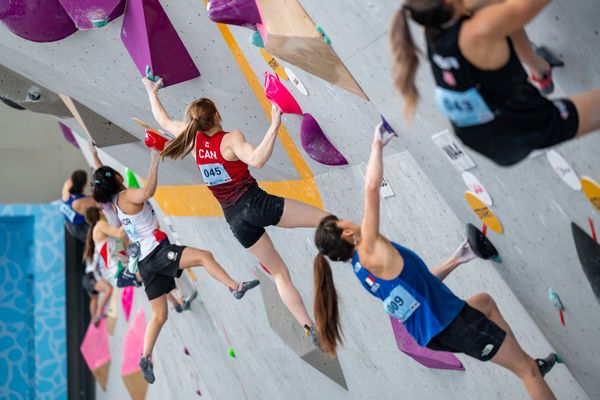
Madison Richardson heads to the Salt Lake City World Cup (October 16–18) backed by Canada's first-ever permanent athlete funding for climbing—a $2,300 monthly carding allocation from Sport Canada [Quelle: Richardson's Blog]. She's returning after a season break with recent results that signal sharp fitness: fifth at the Bloc Shop Open in Montreal and second at the Rose Bloc Championships in August. Her training shifted hard toward climbing and hangboarding, cutting back gym work to chase specificity—a gamble that's already paying off in semis.
Watch how she moves in Salt Lake City.
Metolius ditches PVC
Gear makers are finally swapping plastic for plastic.
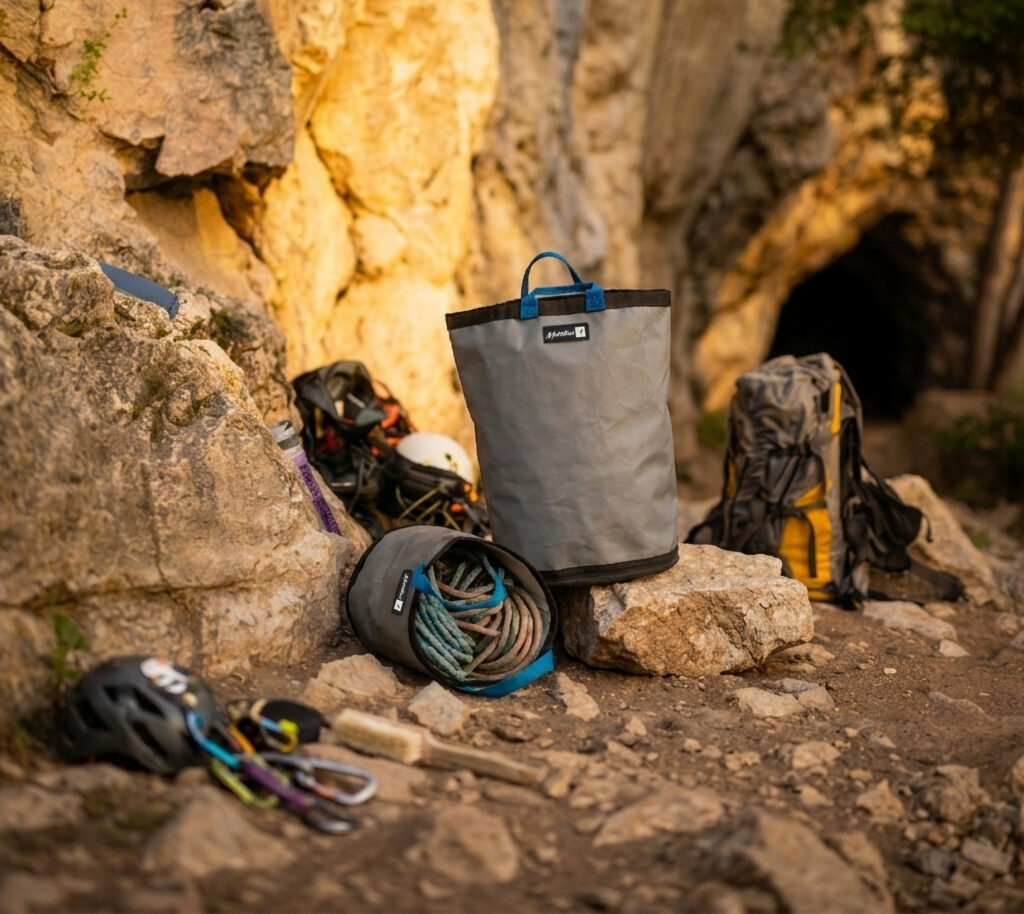
Metolius replaced vinyl-coated fabric with polypropylene-based material on its Big Wall Bucket and Climber's Tote, responding to retailer demand for PVC-free alternatives [Quelle: Renegade]. The new fabric delivers the same durability and performance while fitting existing production lines, letting bags stay stiff and freestanding for gym, crag, and daily use. No design compromise—just smarter material chemistry.
Expect other brands to follow within months.
East India climbing grows
India's climbing calendar just added serious structure.
The IMF East Zone Sport Climbing Championship runs October 27–30 in Bhubaneswar, bringing regional climbers together for an official national-tier event [Quelle: IMF East Zone]. The championship slots into the broader Northeast climbing wave we covered yesterday—competitions like this one are turning casual climbers into pipeline athletes while building local coaching depth. What started as scattered gym sessions is now becoming a proper sport infrastructure.
This is how regional climbing talent escapes being invisible.
 Richardsons Climbing Blog23 hours ago ... Wrapping up the 2025 IFSC World Cup season with one last push at the World Championships in Seoul, South Korea — seven attempts short of semis, and ready for a ...richardsonsclimbing.com
 Back in Action: Salt Lake City, Carding, and a Summer of Change16 hours ago ... Climbing Canada is now a carded sport. For some quick background, Sport Canada's Athlete Assistance Program provides financial support directly to eligible high ...richardsonsclimbing.com
 IMF East Zone 2026 sport climbing championship Bhubaneswar16 hours ago ... Indian athletes training in sport climbing for international events. Debraj Dutta ▻ Adventure Clubs of Bengal. 8y · Public · **Training in Sport Climbing** It ...facebook.com
 Metolius Climbing Case Study - Renegade Plastics8 hours ago ... Climbing gear has to earn its place in the kit. For an industry built around ... Innovative collaboration creates a fully recyclable, reusable box from one ...renegadeplastics.com
One click creates your own editable copy — change the prompt, the delivery time, everything.
Browse all editions →You could get this general version into your inbox right now — and then fine-tune it to your very specific needs. Here's how to do it:
Step by step: from zero to your first edition
The whole setup takes about two minutes. And every screenshot below comes straight from the real product — nothing is mocked up.
Step 1 Open morningmail.ai
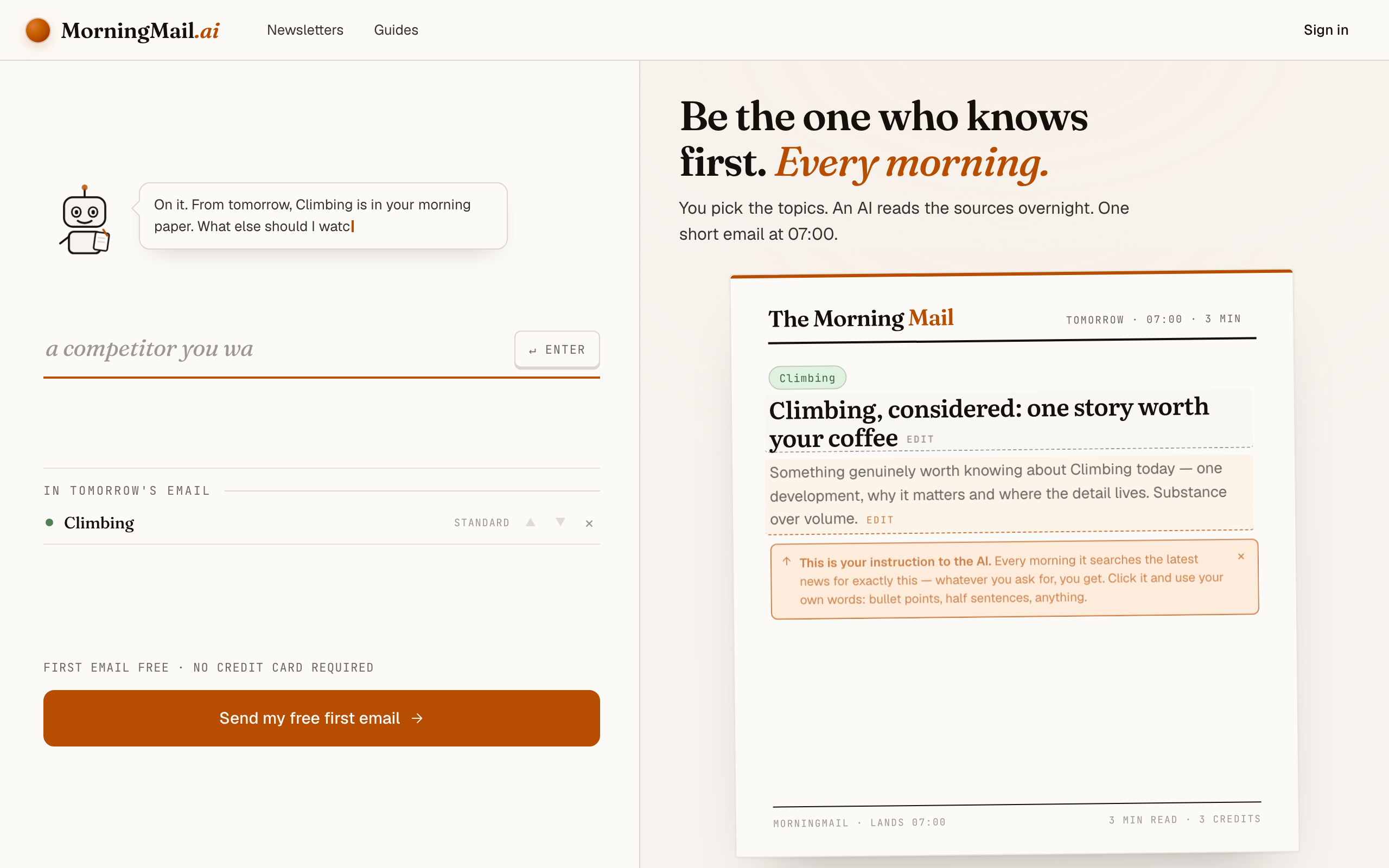
No account yet, nothing to install — the landing page IS where you compose. A friendly press robot introduces itself above one big input, and beside it a sample morning shows you what the email looks like before you have typed a word.
Step 2 Type your topic: Climbing
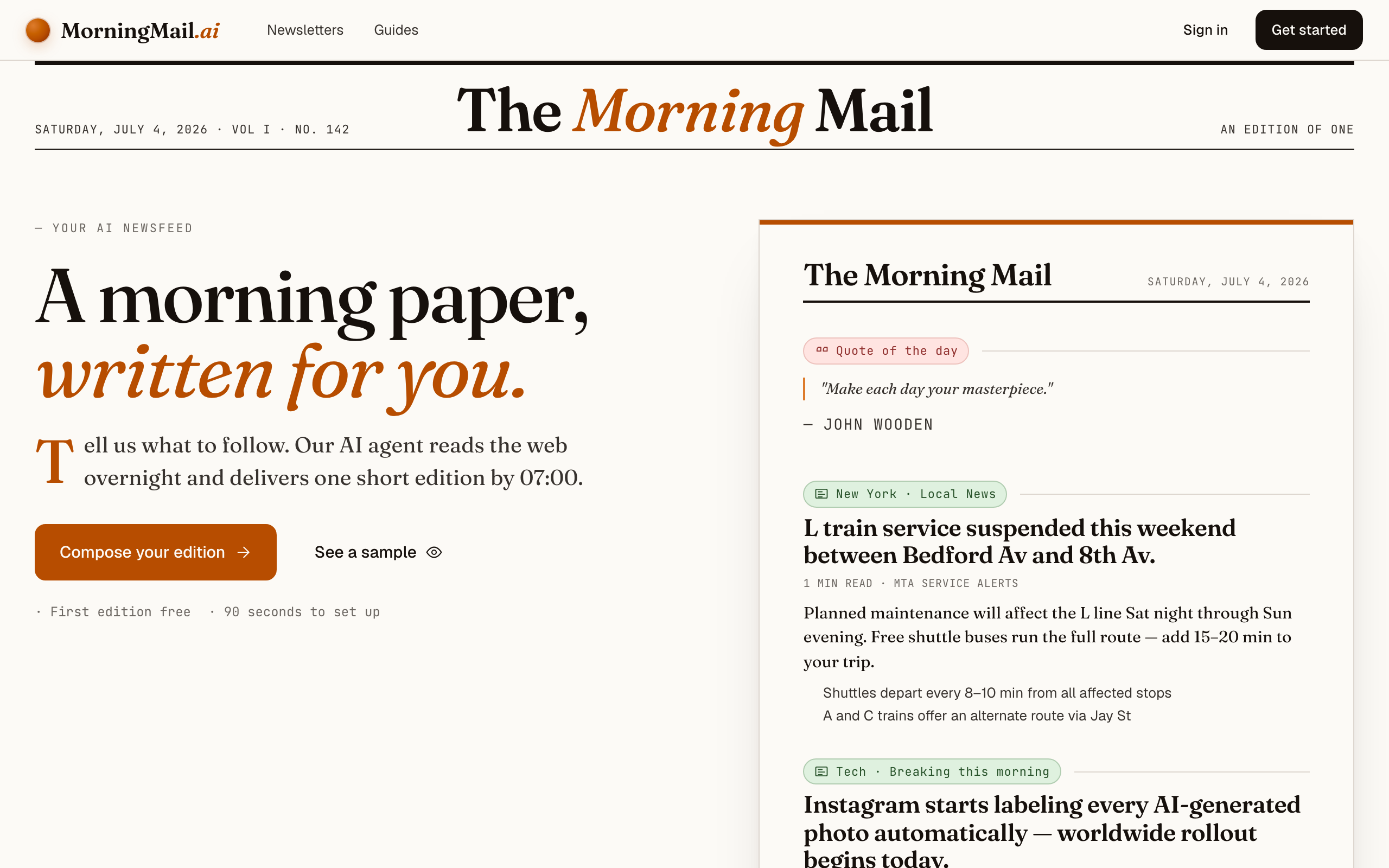
Type Climbing into that one input. There is nothing to pick and no form to fill — as you type, a draft section forms on the paper beside you, carrying your topic in a tinted badge and the quiet prompt "↵ Enter adds it", and the ↵ Enter key at the end of the input turns orange.
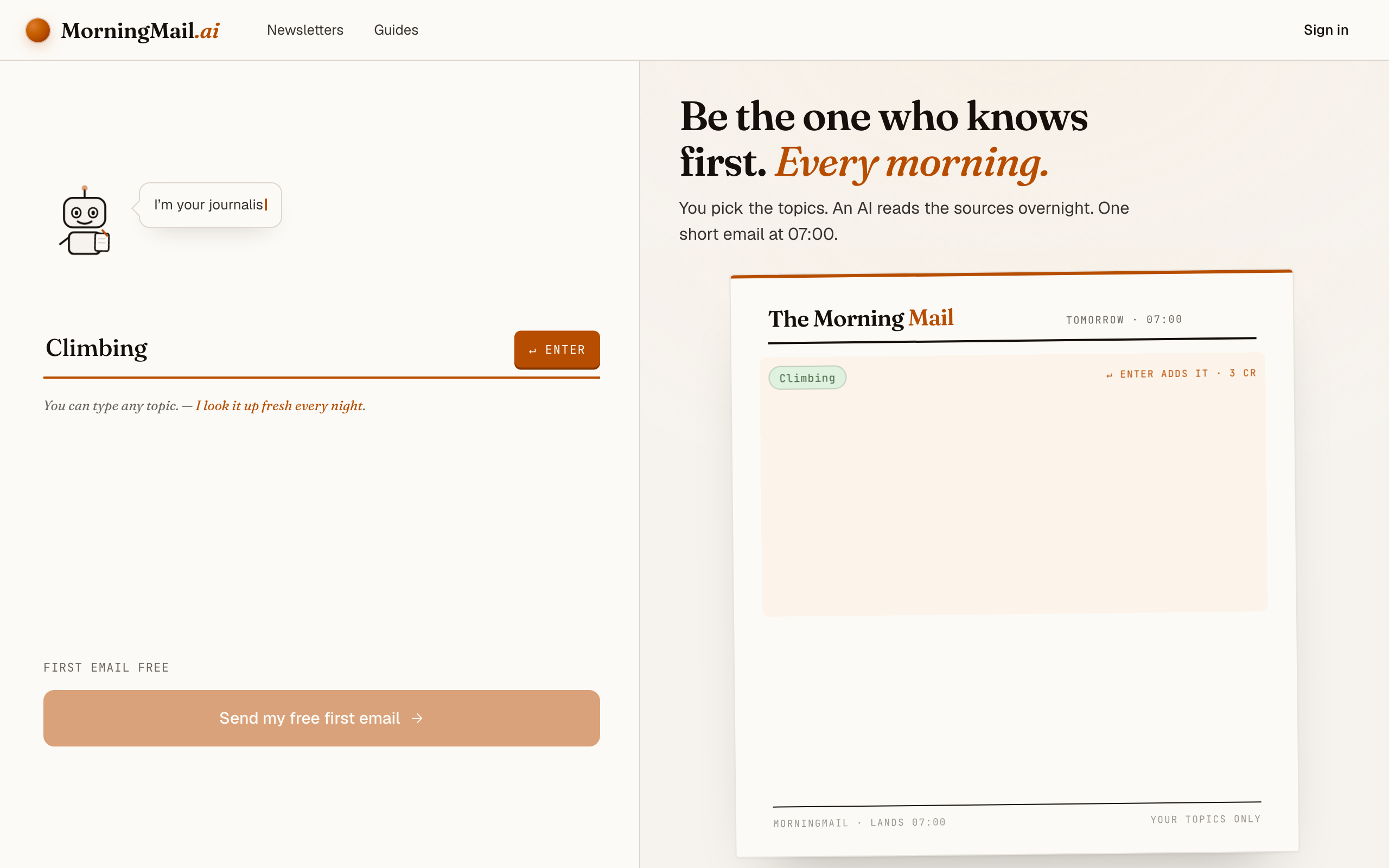
Step 3 Press Enter (or that orange key) — and read what the agent was told
Type Climbing into the one big input on the landing page and press Enter. The section lands carrying three things you didn't have to write: a beat badge, a suggested headline and an Assignment—the exact instruction the agent will carry to work each morning. No account, no picker, no blank field to fill in first.
The philosophy behind it is one great thing a day—a story about craft, results or characters you'd share at the gym between attempts, not a wall of links. It's good as-is, and better sharpened. Click the Assignment to rewrite it, or tap a tweak like "+ name sources" to append a line. Mine says: "favour first ascents and comp finals over gear press releases; for new training research, summarise the method, not just the result."
The exact prompt your section starts withSomething genuinely worth knowing about Climbing today — one development, why it matters and where the detail lives. Substance over volume.
Step 4 Send your free first email
Happy with the paper? Hit “Send my free first email”. The sign-up appears right there — the paper never leaves the screen — and asks the only thing it still needs: where to send it. Email and password, or Google. No card, and the first email is free.
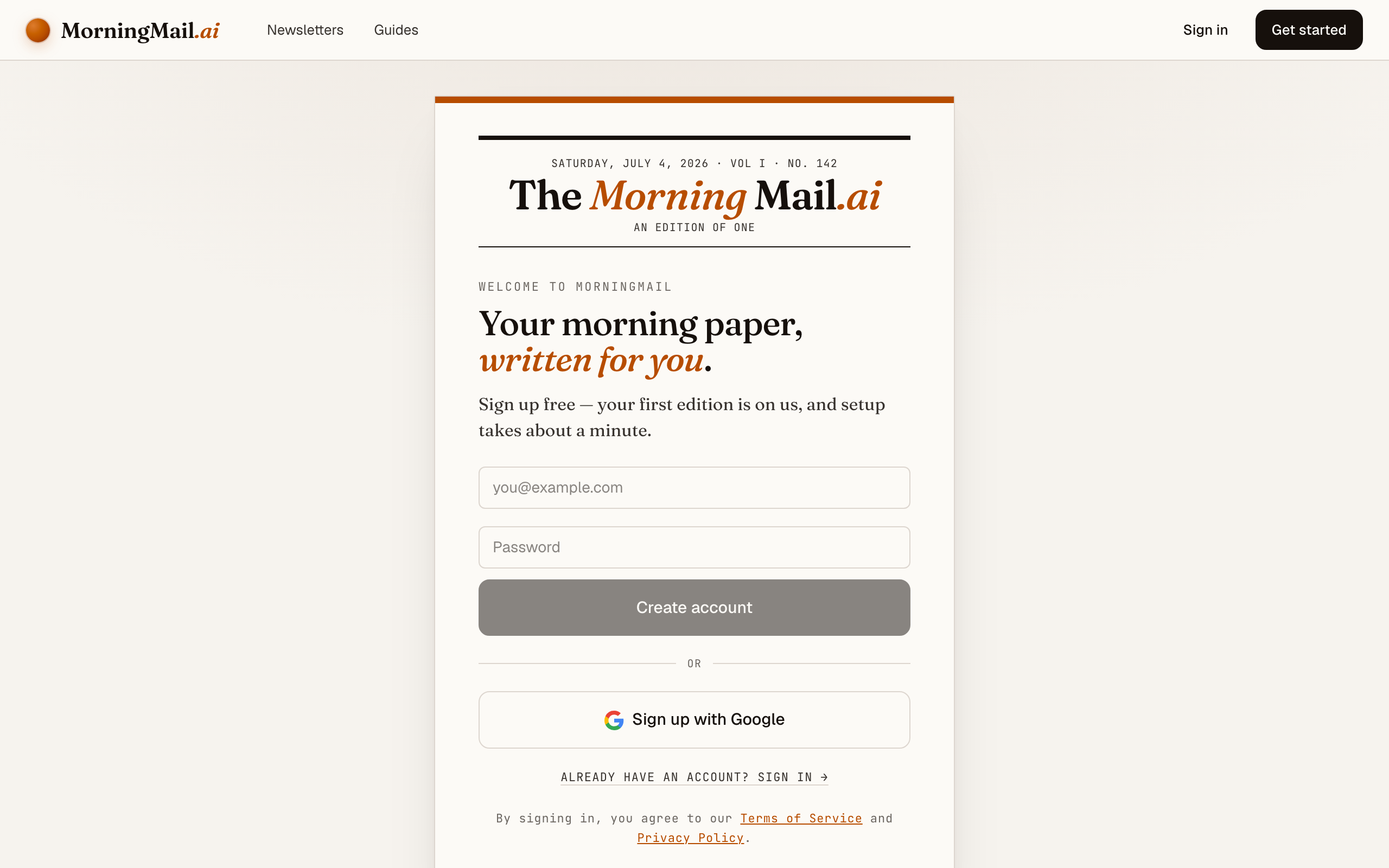
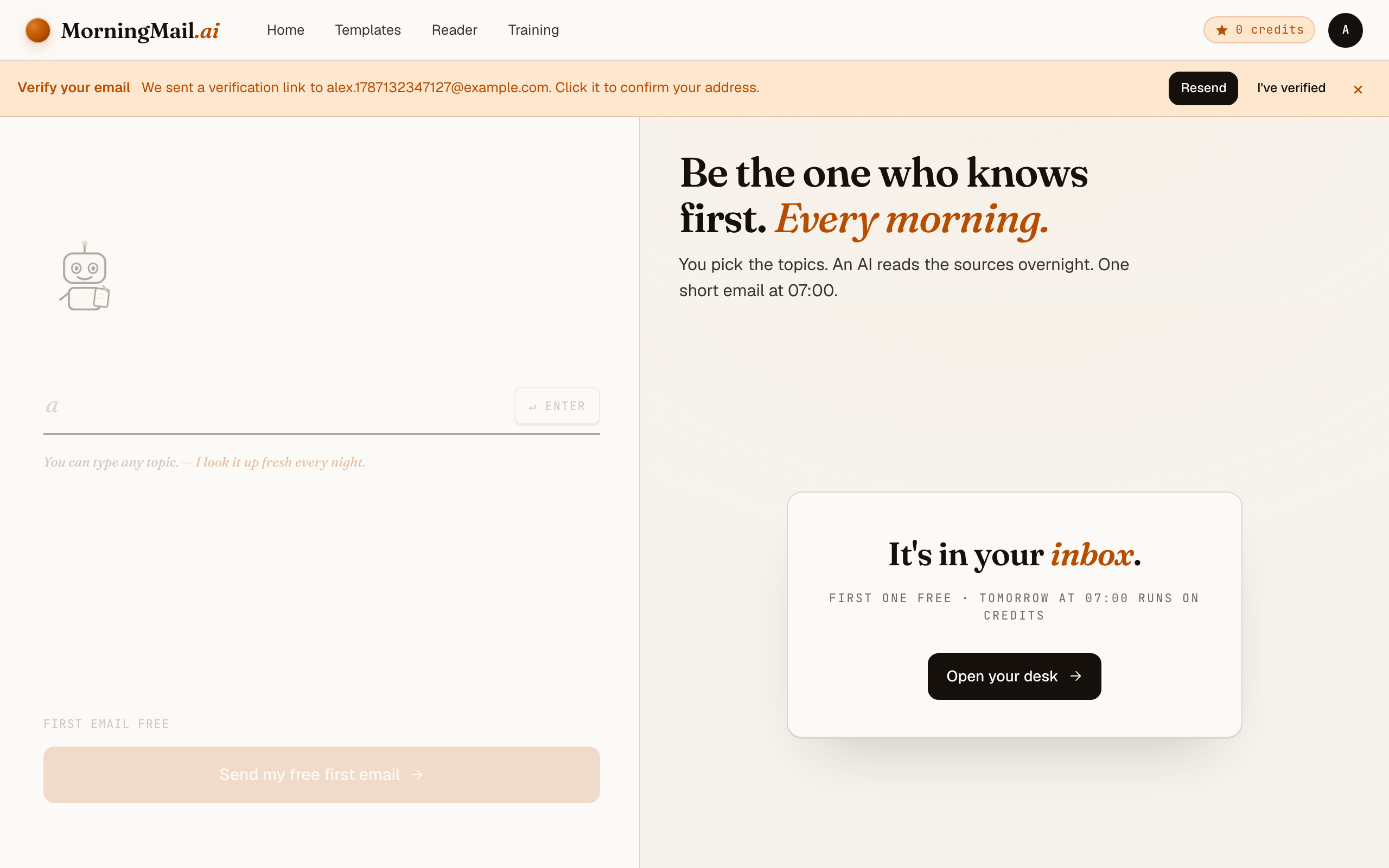
Step 5 Watch it being written
Now the desk goes to work in front of you: working out what to look for, searching the web, reading the best sources, writing your section, composing a subject line, handing it to the post. A minute or two later: "It's in your inbox."
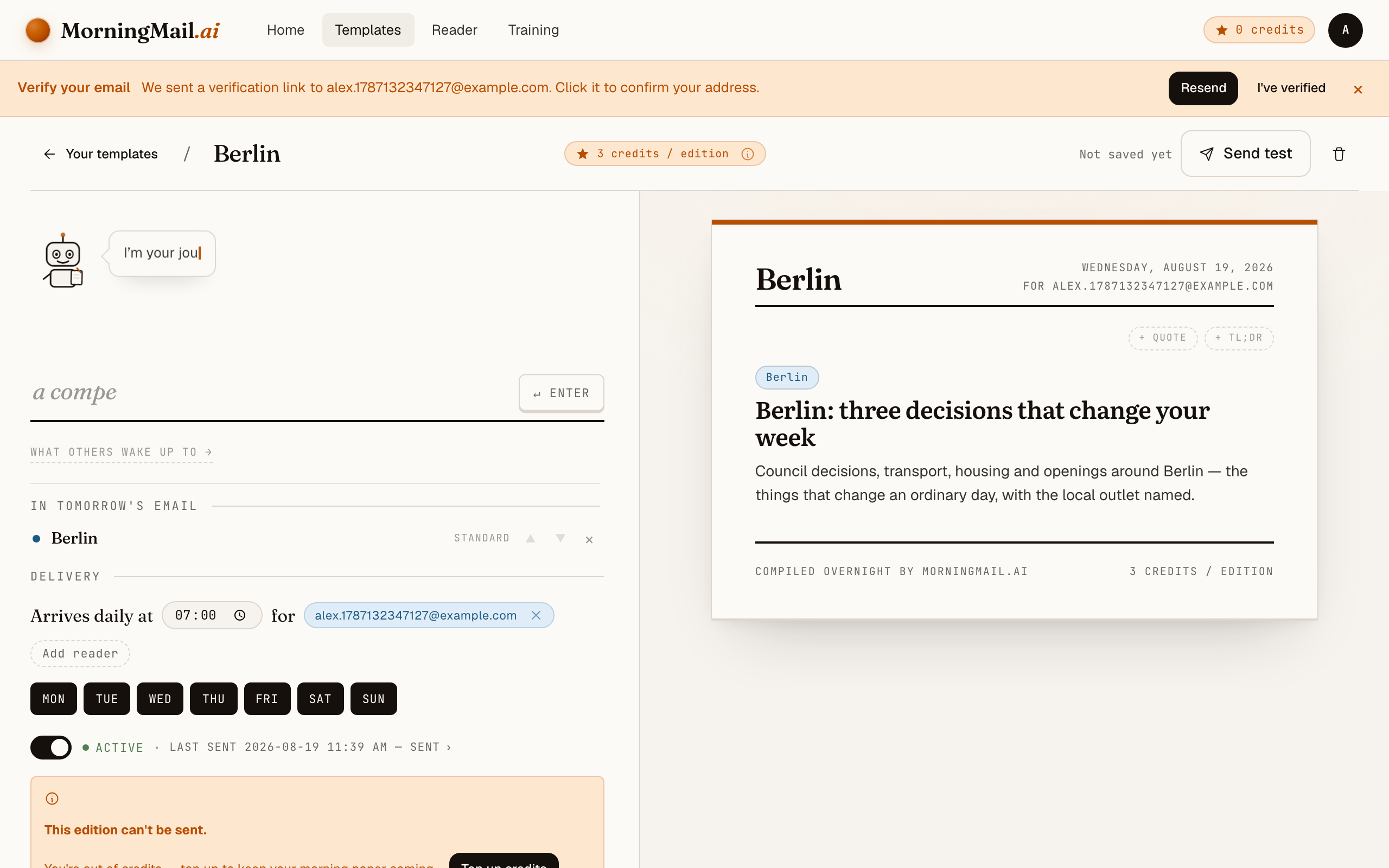
Step 6 Afterwards: the time, the days, the readers
Everything else lives in the builder, once you have a paper to tune. Set the delivery time (07:00 by default) and which weekdays it runs, add readers — up to 100 — and add more topics the same way you added the first: by typing. Nothing here needs deciding on day one.
Get more out of your brief
- Declare your discipline
- Bouldering, sport, trad, alpine—"climbing" is four sports pretending to be one. A clause like "I boulder and follow IFSC bouldering; mention rope events only for finals" keeps the brief on your wall instead of somebody else's.
- Sync the brief with the comp calendar
- World Cup season is dense; the off-season isn't. Add "during IFSC season, lead with results and notable performances" and the brief covers comps in spring, then drifts back to ascents and stories in winter—no prompt surgery needed between.
- Ask for context on big ascents
- A name and a grade is trivia; history is a story. Request "for significant ascents, one sentence on where the route sits historically" and a repeat of a testpiece arrives with the framing that makes it worth retelling.
- Keep access and ethics on the radar
- Crag closures and bolting debates rarely trend, but they decide where you actually climb. One line—"include access or ethics news when it affects climbers in my region"—makes the brief useful beyond entertainment.
- Weekly works too — use the weekday chips
- Every template has a delivery time and selectable weekdays. A Friday brief before a weekend at the crag is a popular pattern; during World Cups, flip the same template back to daily with two taps.
Good sources to anchor your brief on
The agent searches the open web every morning and cites where it read things. These are the sources I'd point it at in your prompt:
- IFSC — The federation itself — World Cup schedules, results, rankings and rule changes for lead, boulder and speed, straight from the primary source.
- Climbing Magazine — Long-form features, ascent reporting, training columns and gear reviews from one of the sport's longest-running English-language publications.
- UKClimbing — News, logbooks and the liveliest forums in the sport — where ascents get verified, graded and argued about, often before anywhere else.
- PlanetMountain — The European reference for alpinism and hard rock — first ascents in the Alps and beyond, interviews and expedition reports with real depth.
- 8a.nu — The ascent database and news site where hard sends are logged and grade consensus forms — the sport's living scoreboard outside competitions.
Frequently asked questions
- What does the climbing brief cost?
- The first edition is free and needs no credit card. After that, each send costs a few credits per section depending on the AI model tier—and credits never expire, so a weekends-only cadence never wastes them.
- Isn't Instagram enough for climbing news?
- Instagram is where climbing news performs, not where it's organised. You get what the algorithm rates, minus what it buried. A written brief answers your standing instruction instead: searched fresh each morning, one story chosen for you, sources linked—zero reels to swim through.
- Can it cover both competitions and outdoor ascents?
- Yes—and you set the balance. The prompt is fully editable, so "comps first during IFSC season, otherwise first ascents and notable repeats" is a perfectly normal instruction the agent re-reads every single morning.
- Will it report training research accurately?
- The agent links its primary sources, so every claim comes with the paper or article behind it. Ask it to "summarise the method and sample size, not just the headline finding"—a good habit for any research-heavy brief.
- Can my climbing partners get the same email?
- Yes—a template can have multiple recipients, so the whole rope team wakes up to the same brief. You can also share a section to the public community gallery for climbers you've never met.
Your inbox, your editor
Build your own AI-written brief in two minutes. The first edition is on me — no credit card required.
Build your brief — freeI am always happy to answer questions and I'm open to feedback. Feel free to reach out at any time: marius@morningmail.ai